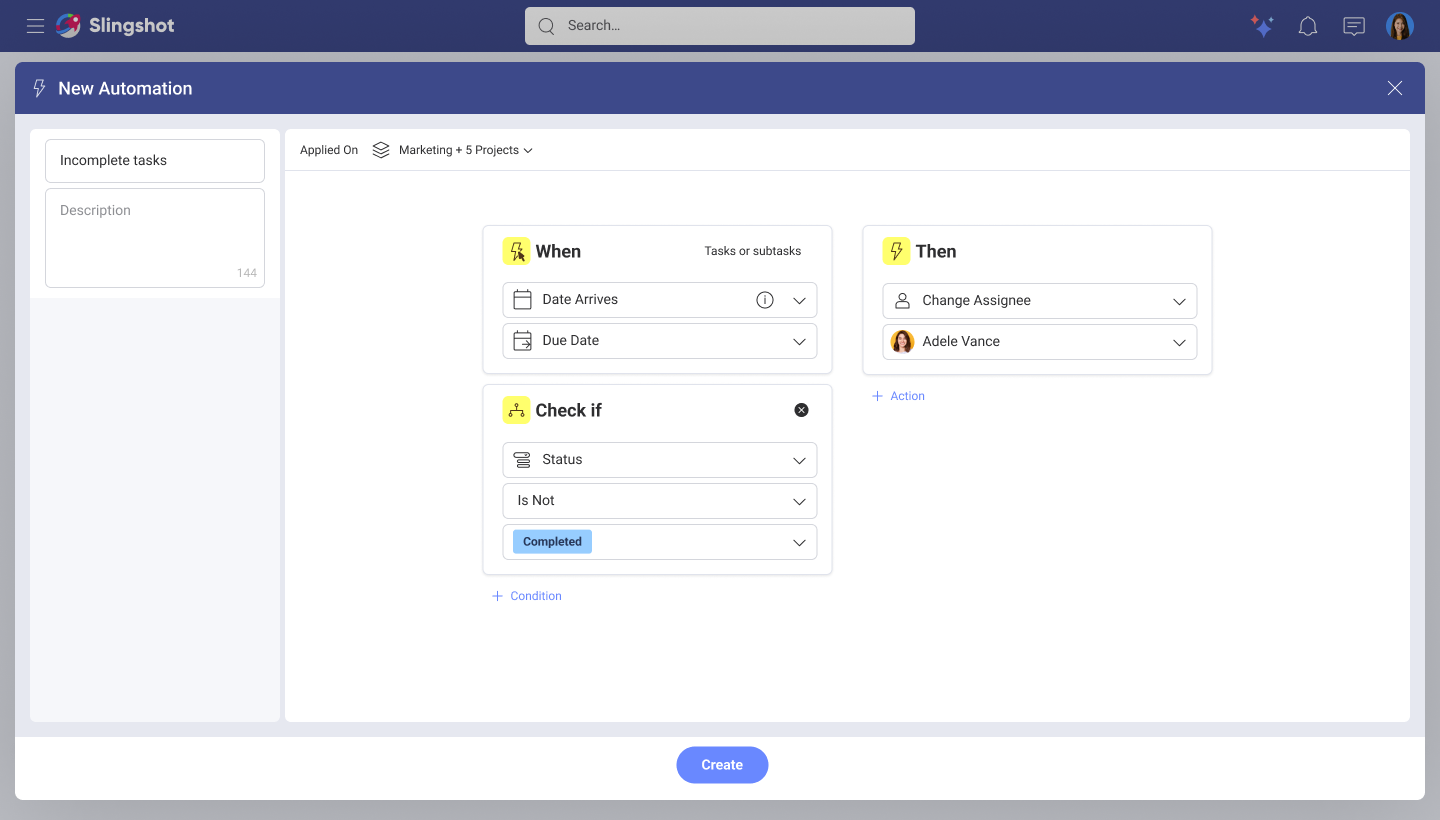
Usability test & experience design for workflow automations
Role: UX Designer
Team: Product Owner, 1 developer.
Overview of product
Slingshot is a SaaS platform for project management, goal tracking, and data driven decision making.
Goal
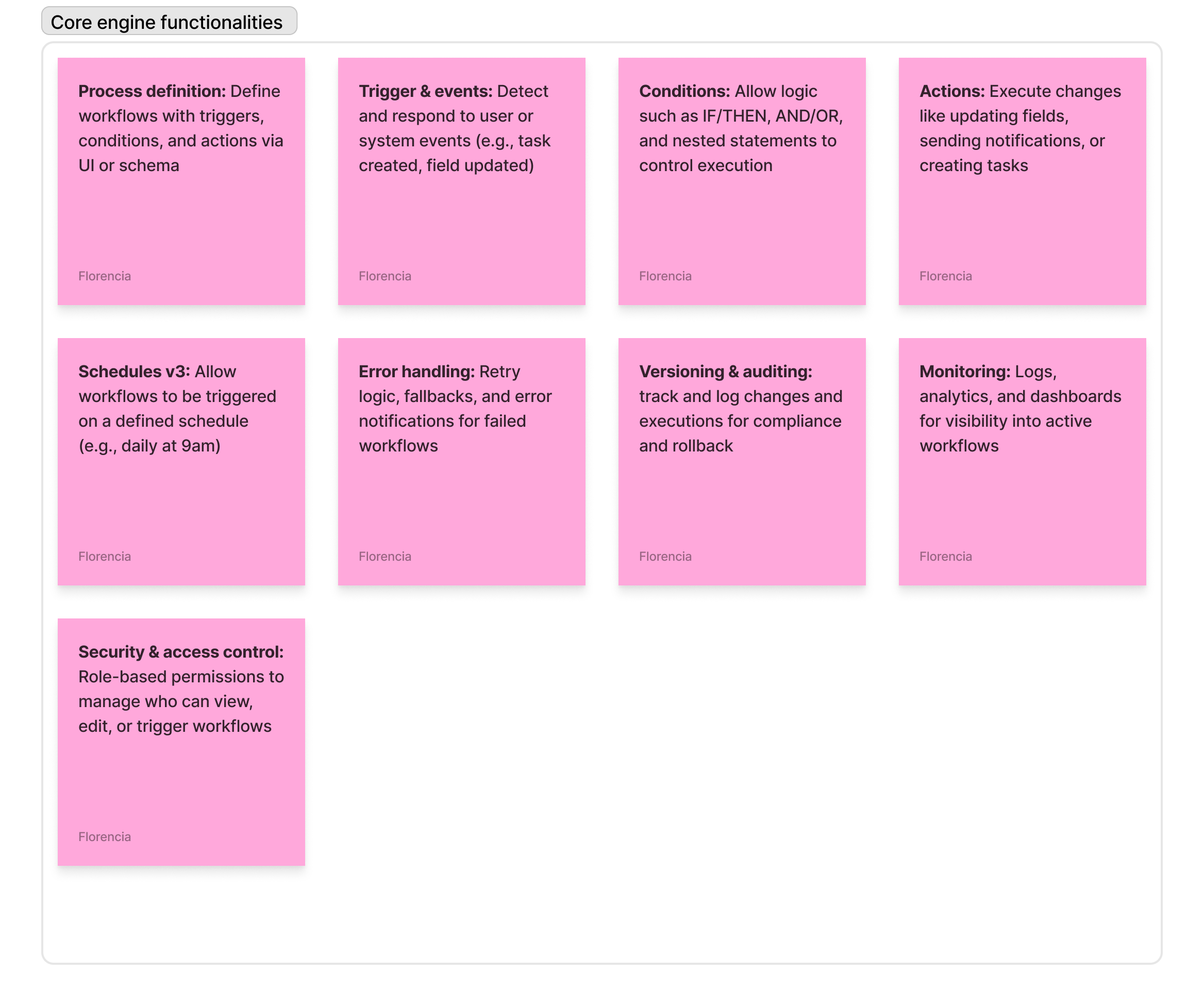
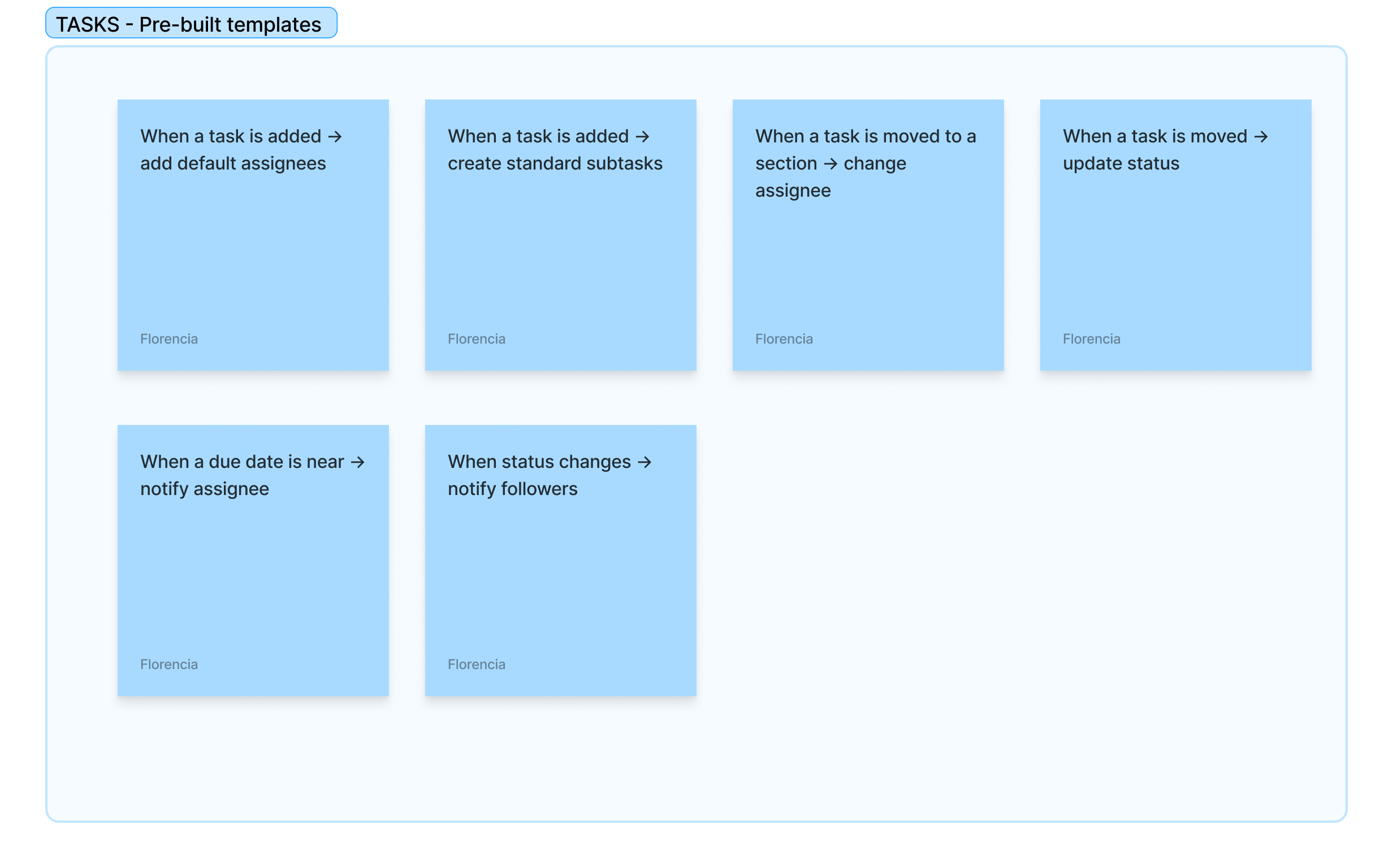
The goal of this system is to empower users to automate routine tasks, enforce consistency, and reduce manual effort, ultimately increasing productivity across teams and projects.
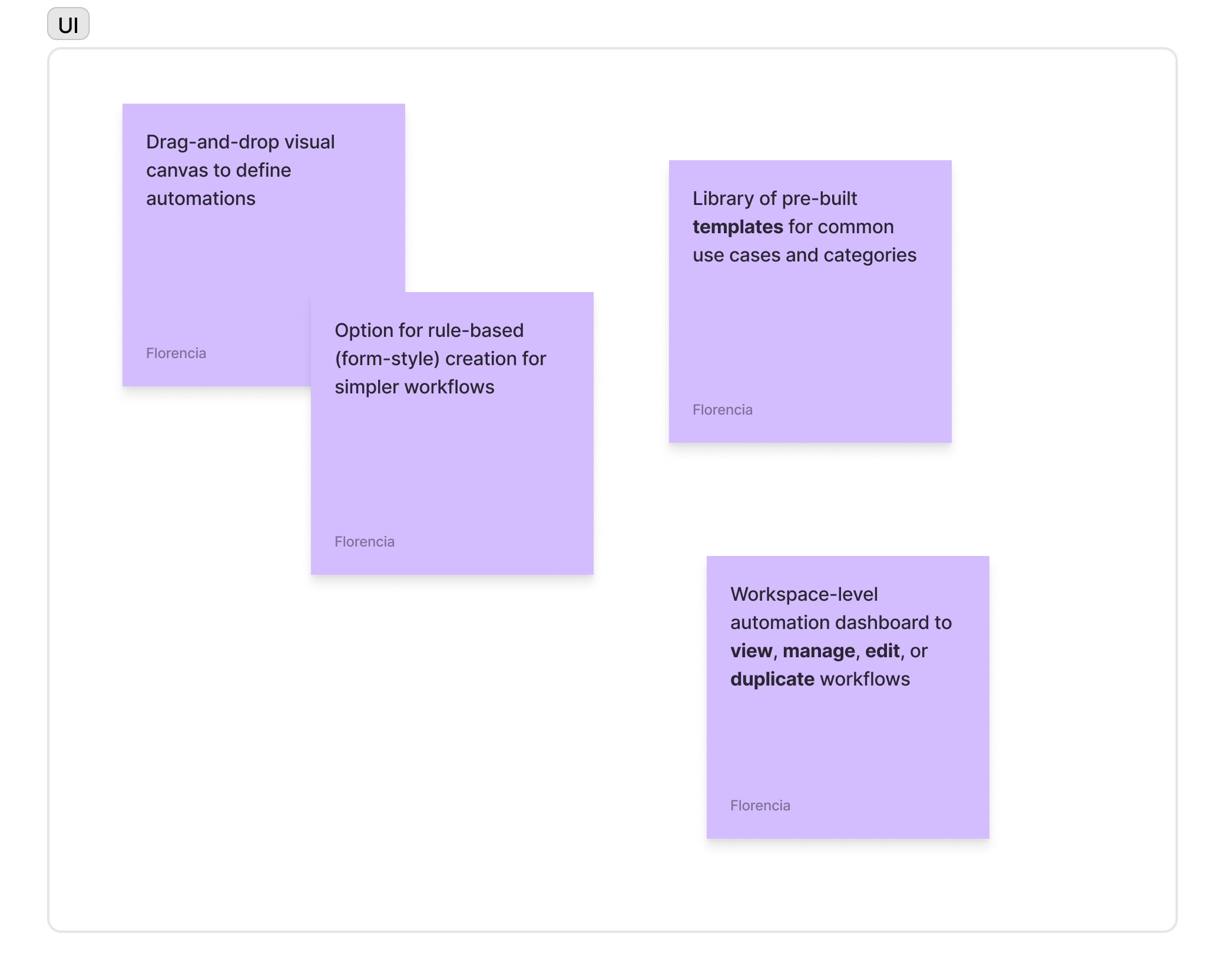
The Workflow engine is a modular and extensible backend system that orchestrates actions, events, and data across the application. Built once and used across Slingshot and other products, the engine supports a robust, no-code/low-code interface (Workflow Builder) that enables users to create powerful automations visually or through a rule-based editor.
Understanding requirements
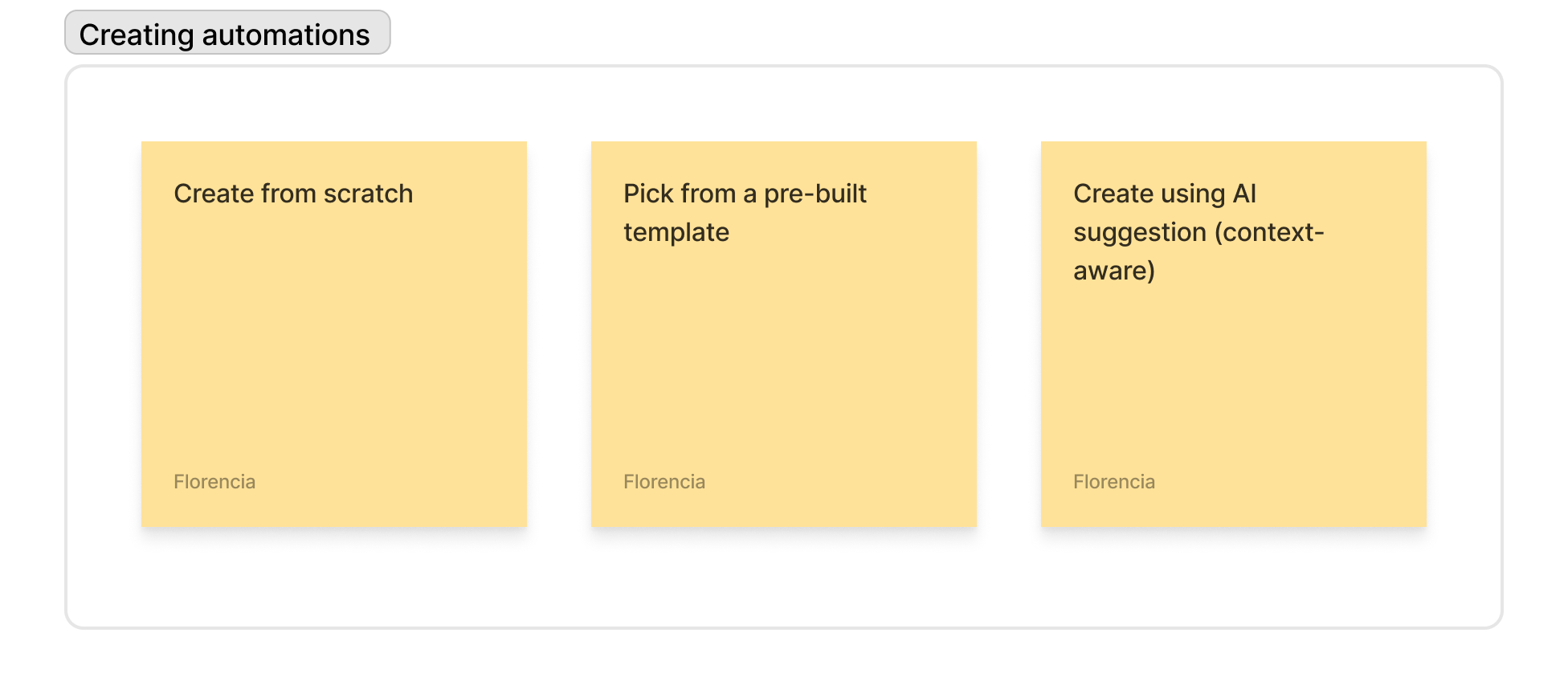
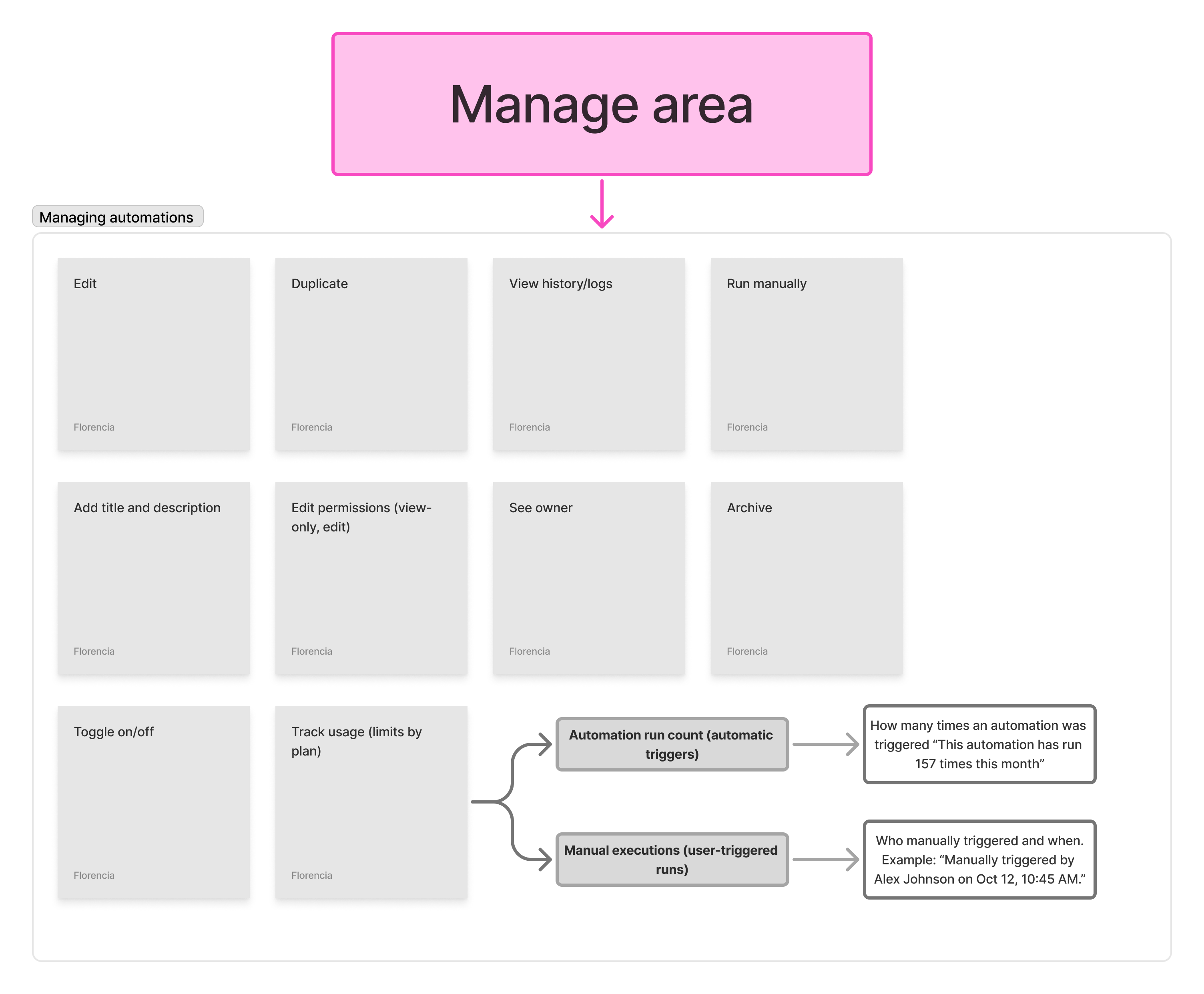
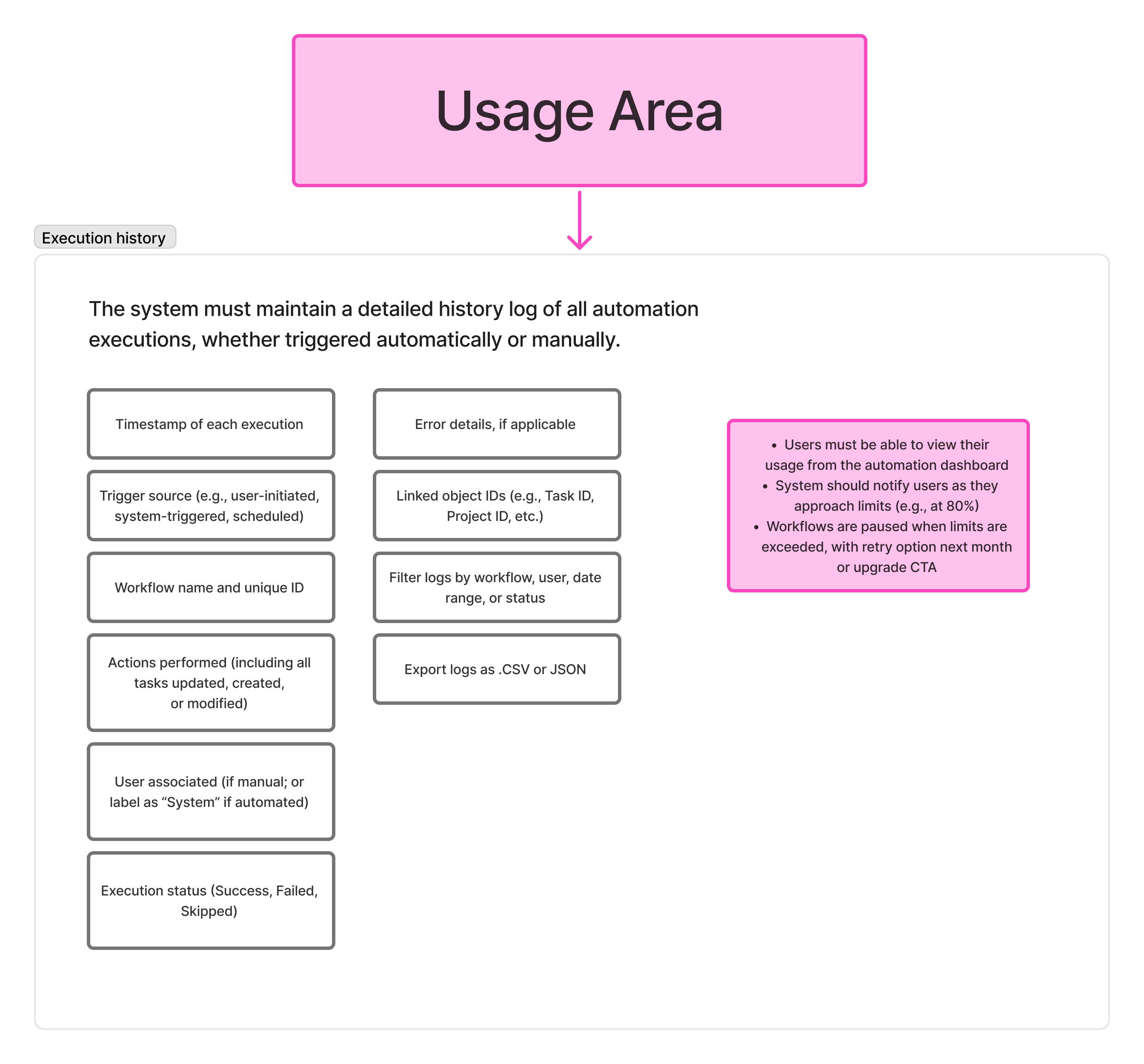
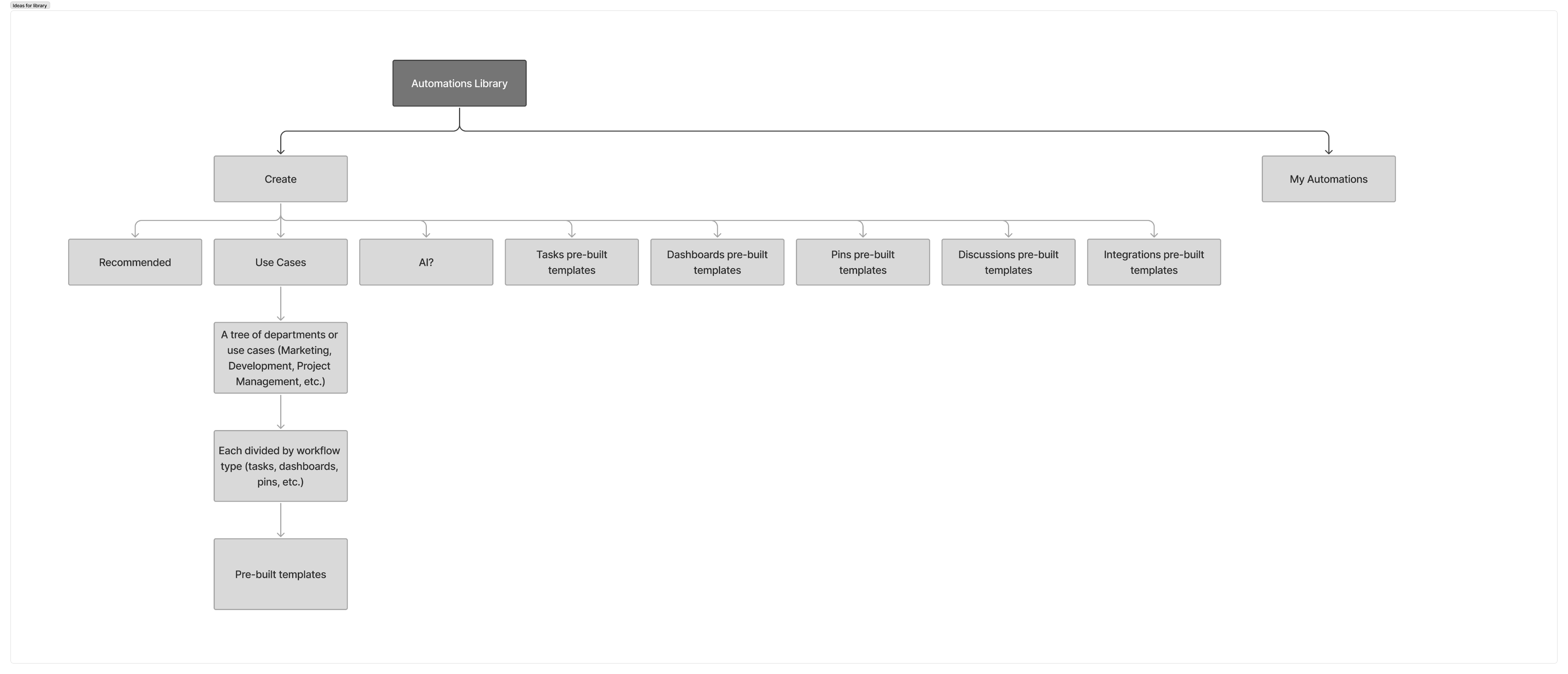
Information architecture
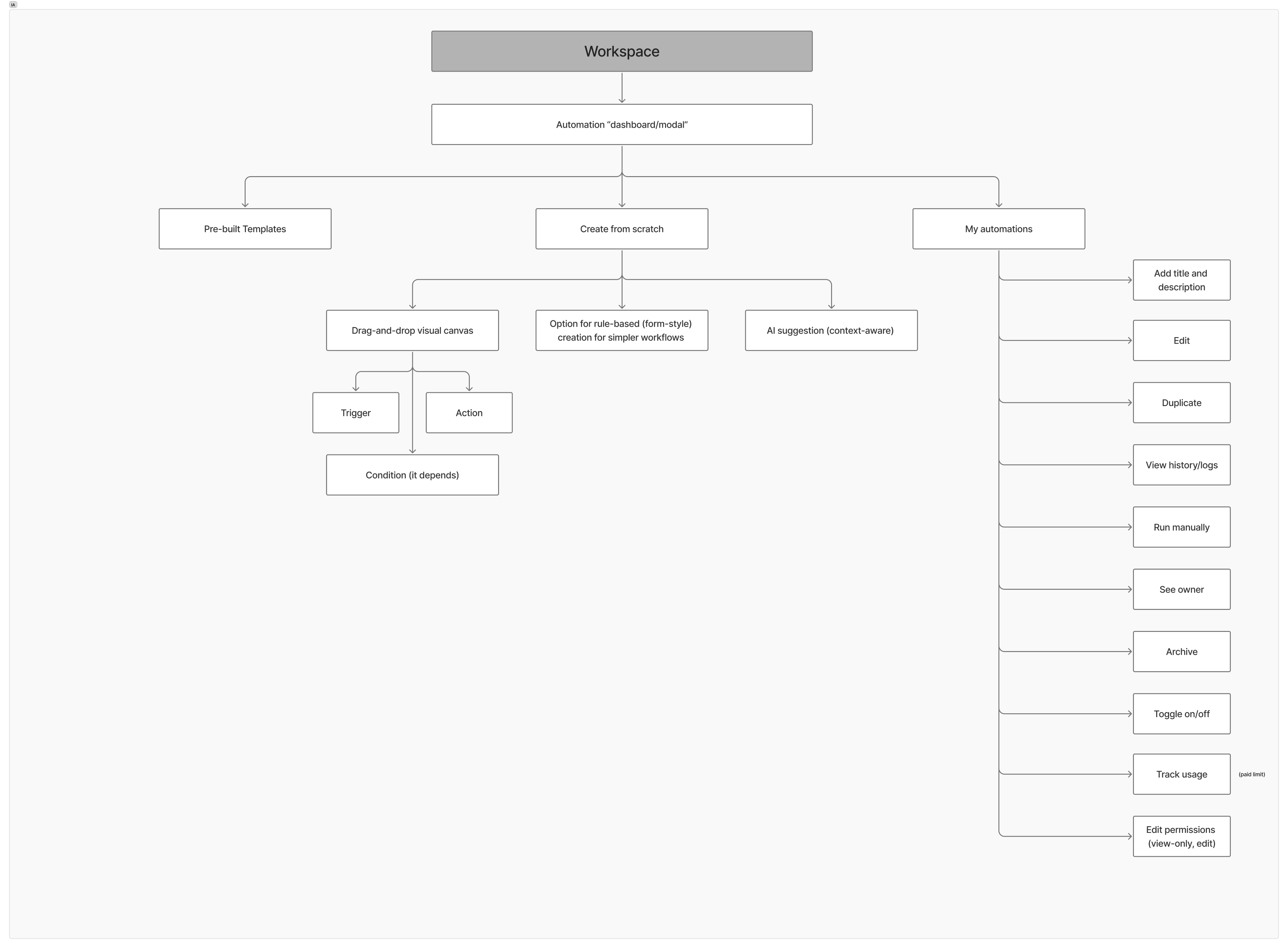
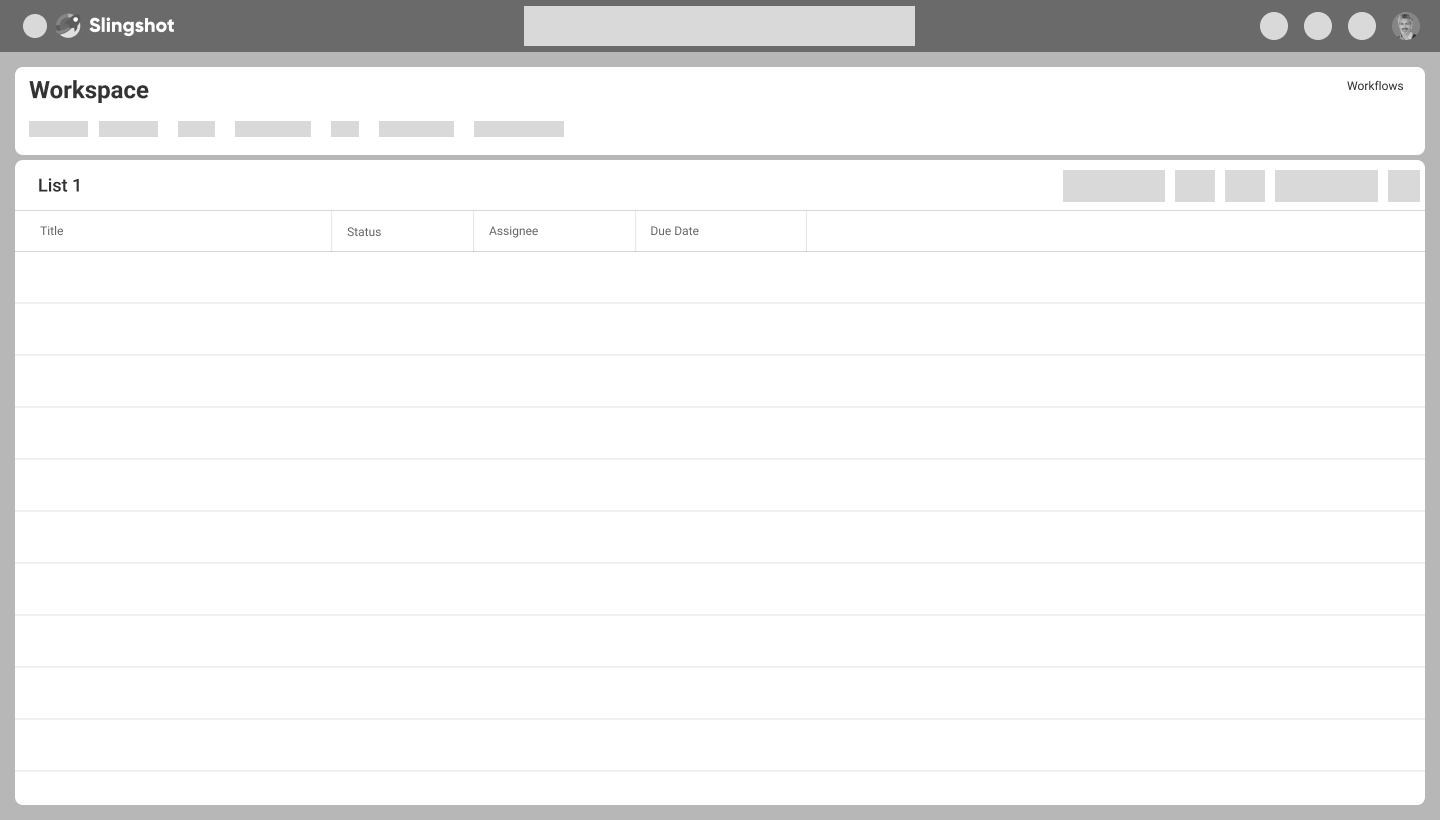
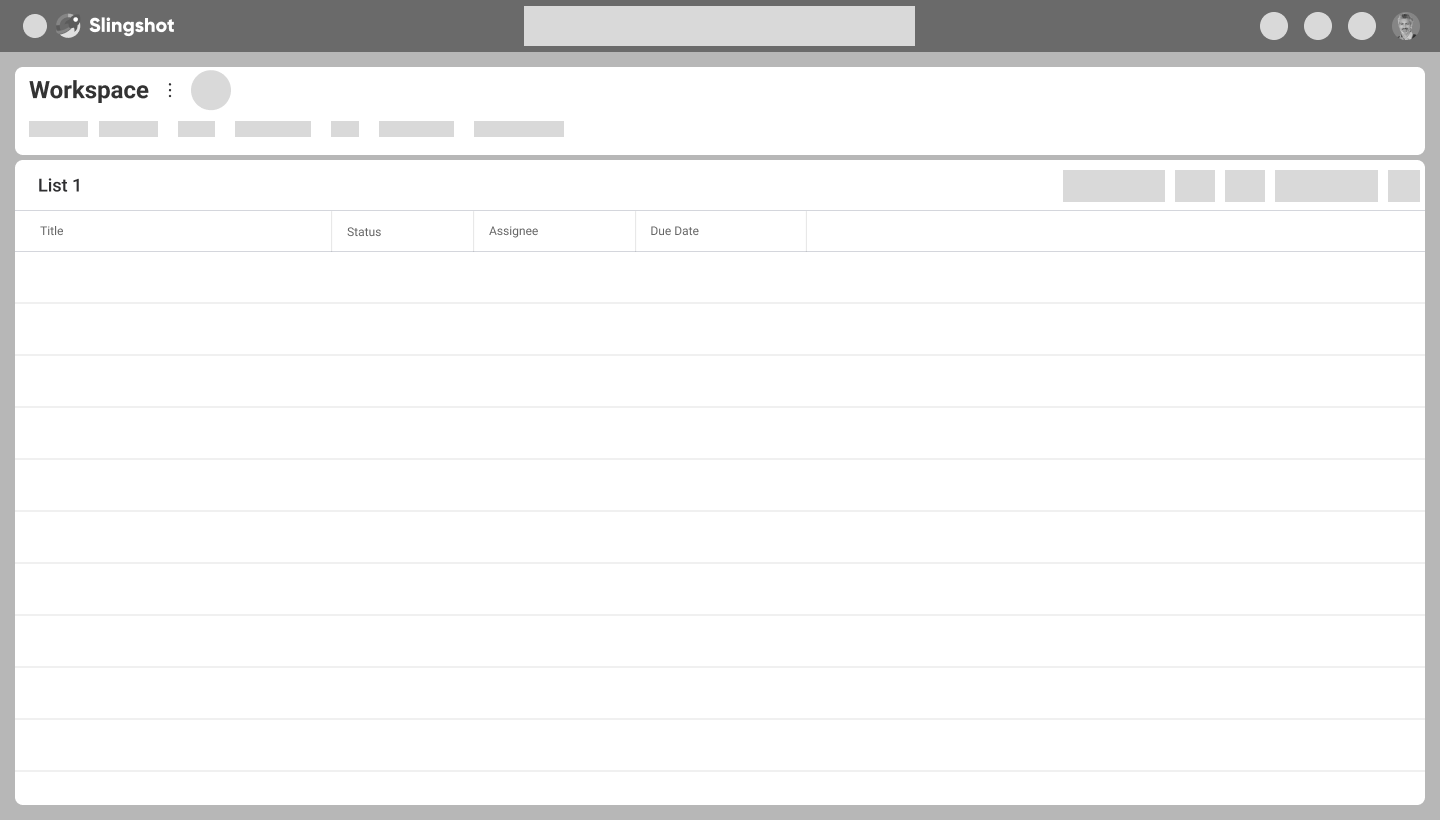
Wireframes
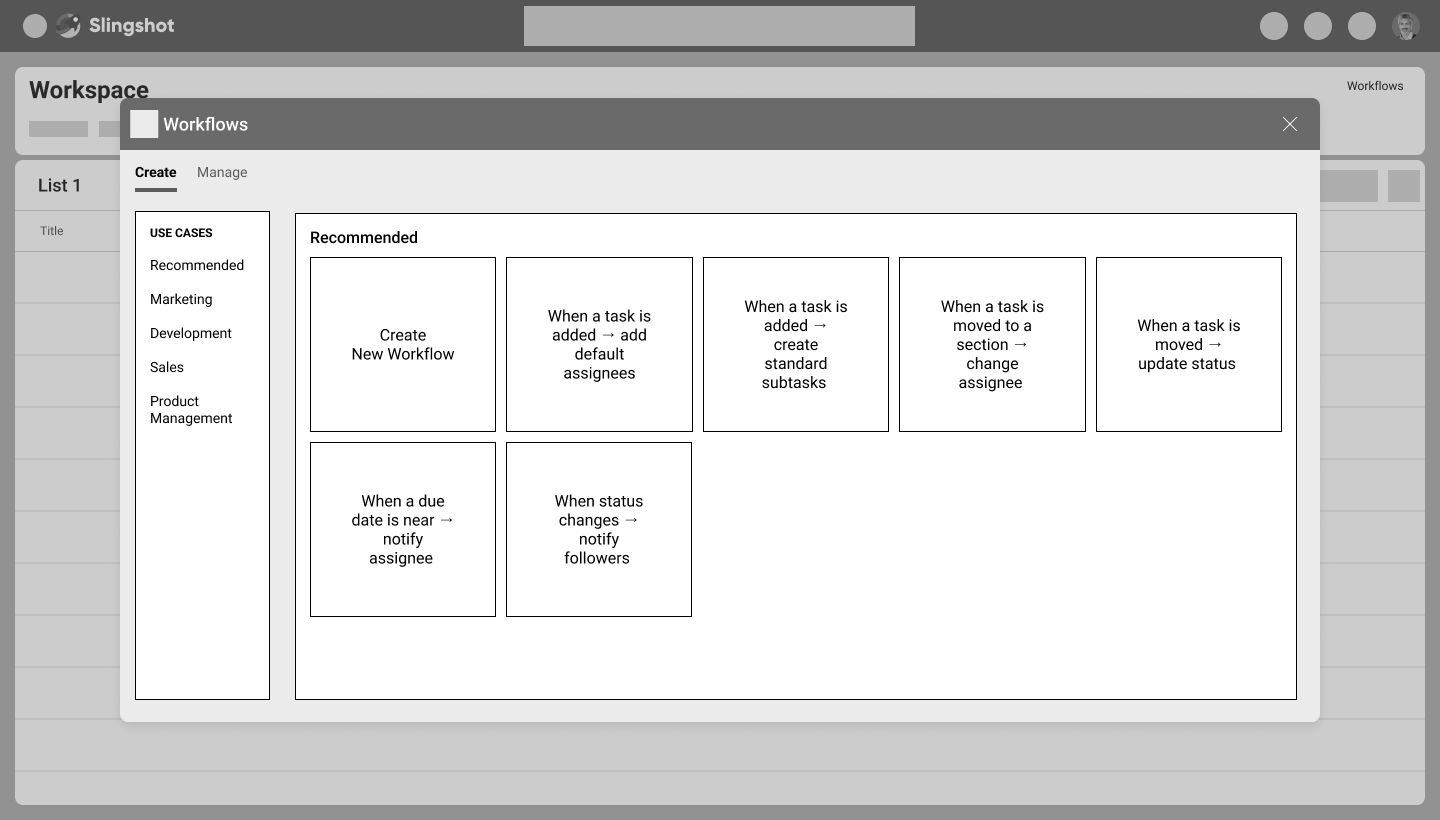
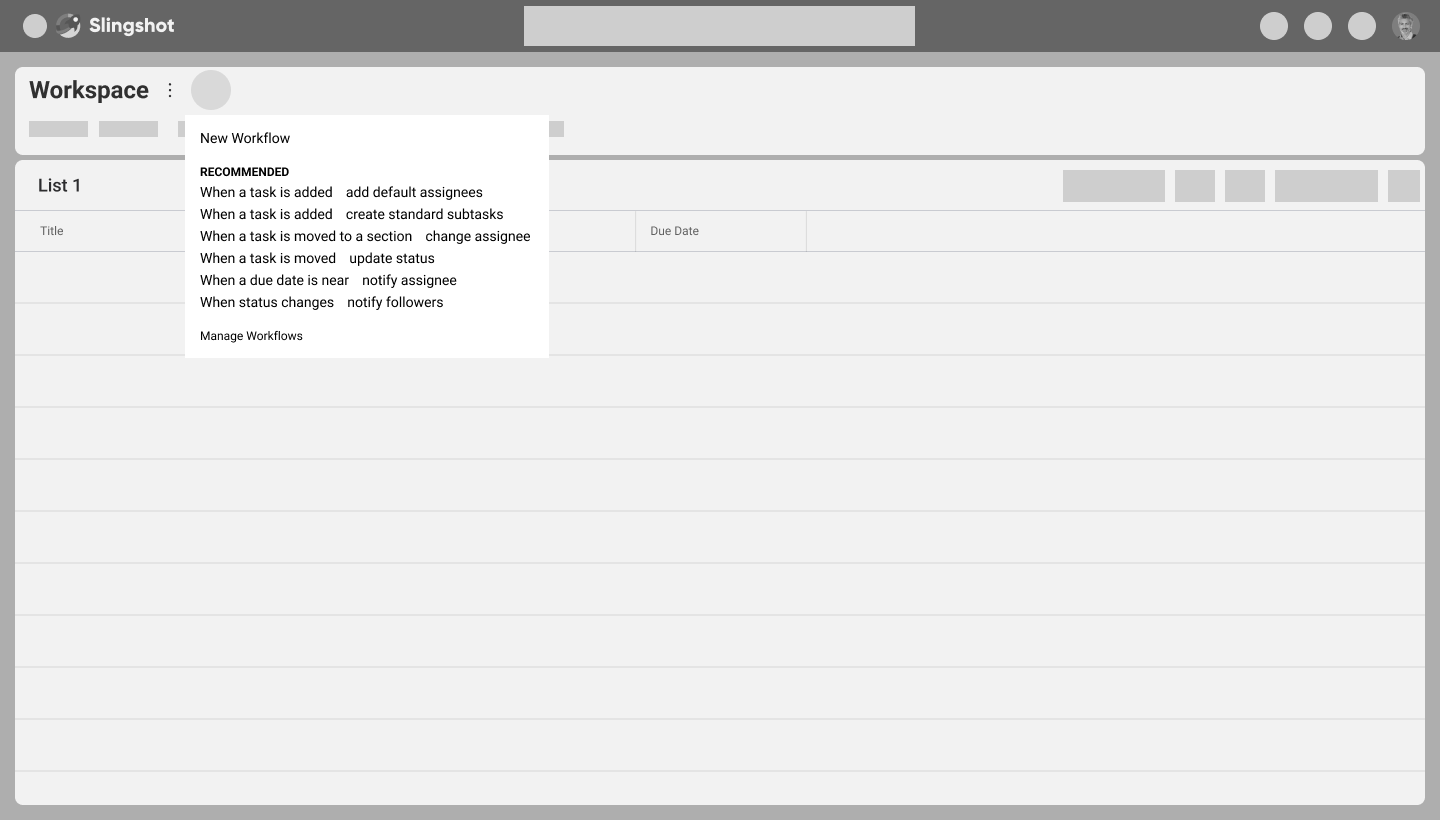
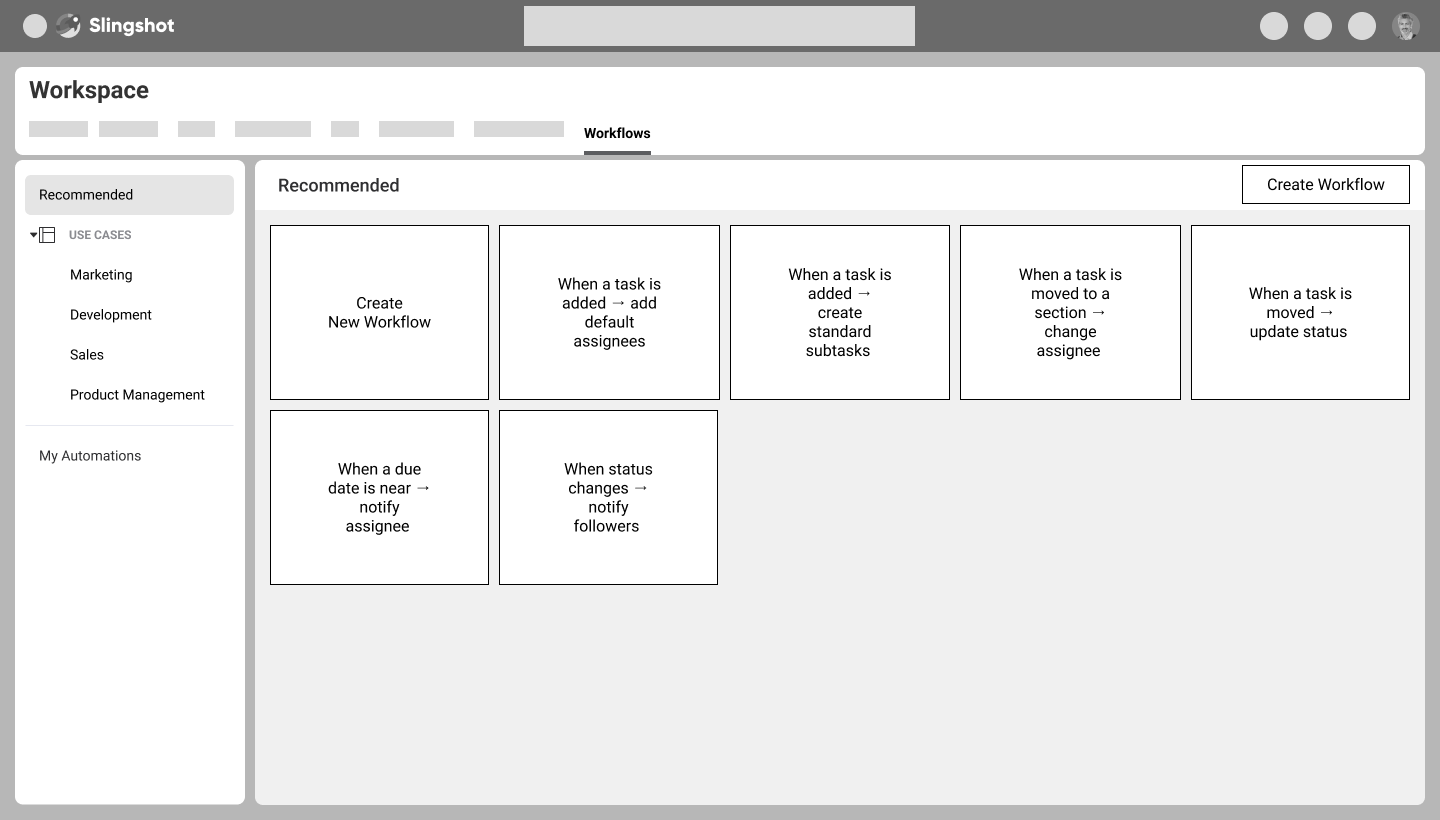
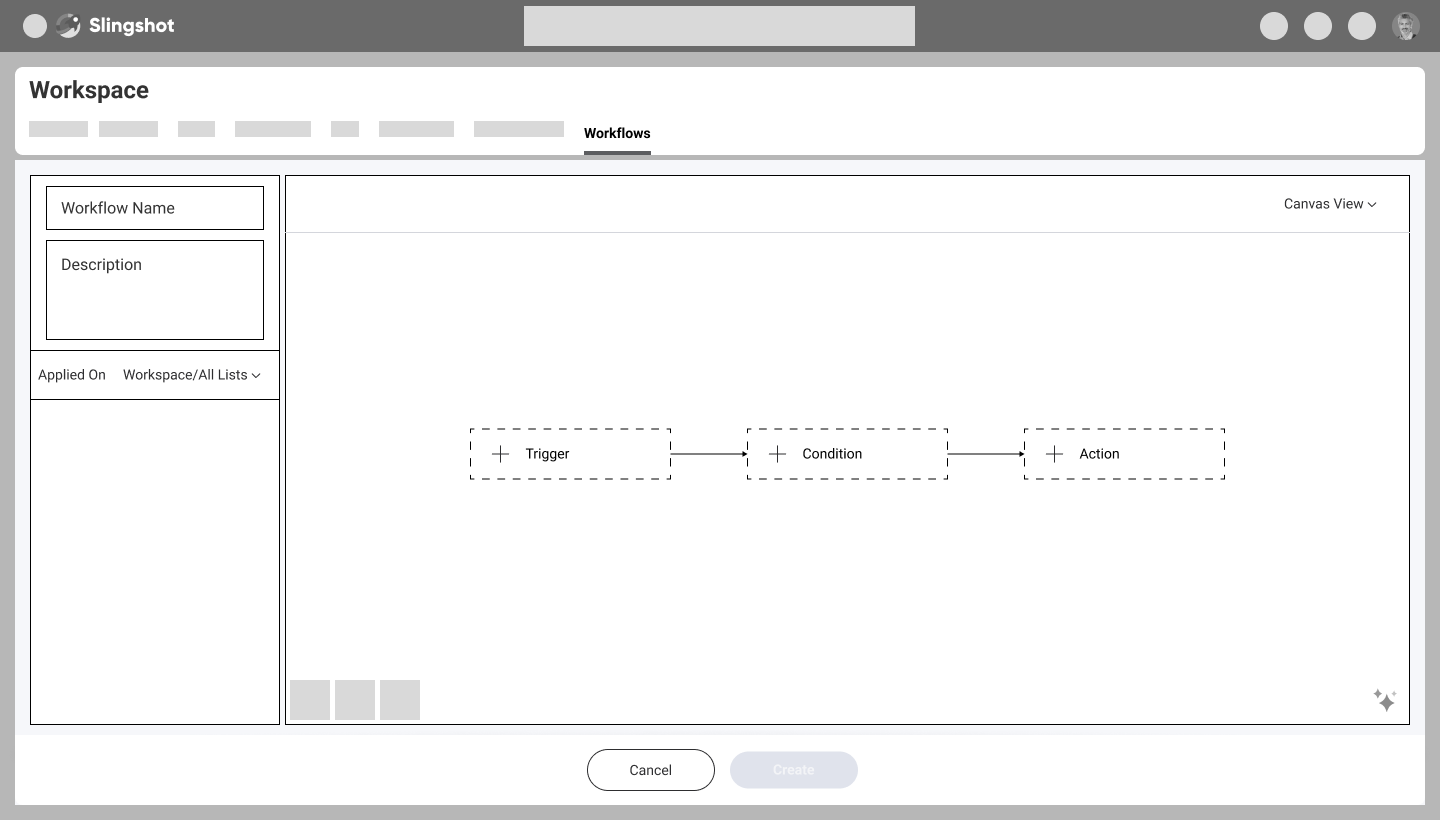
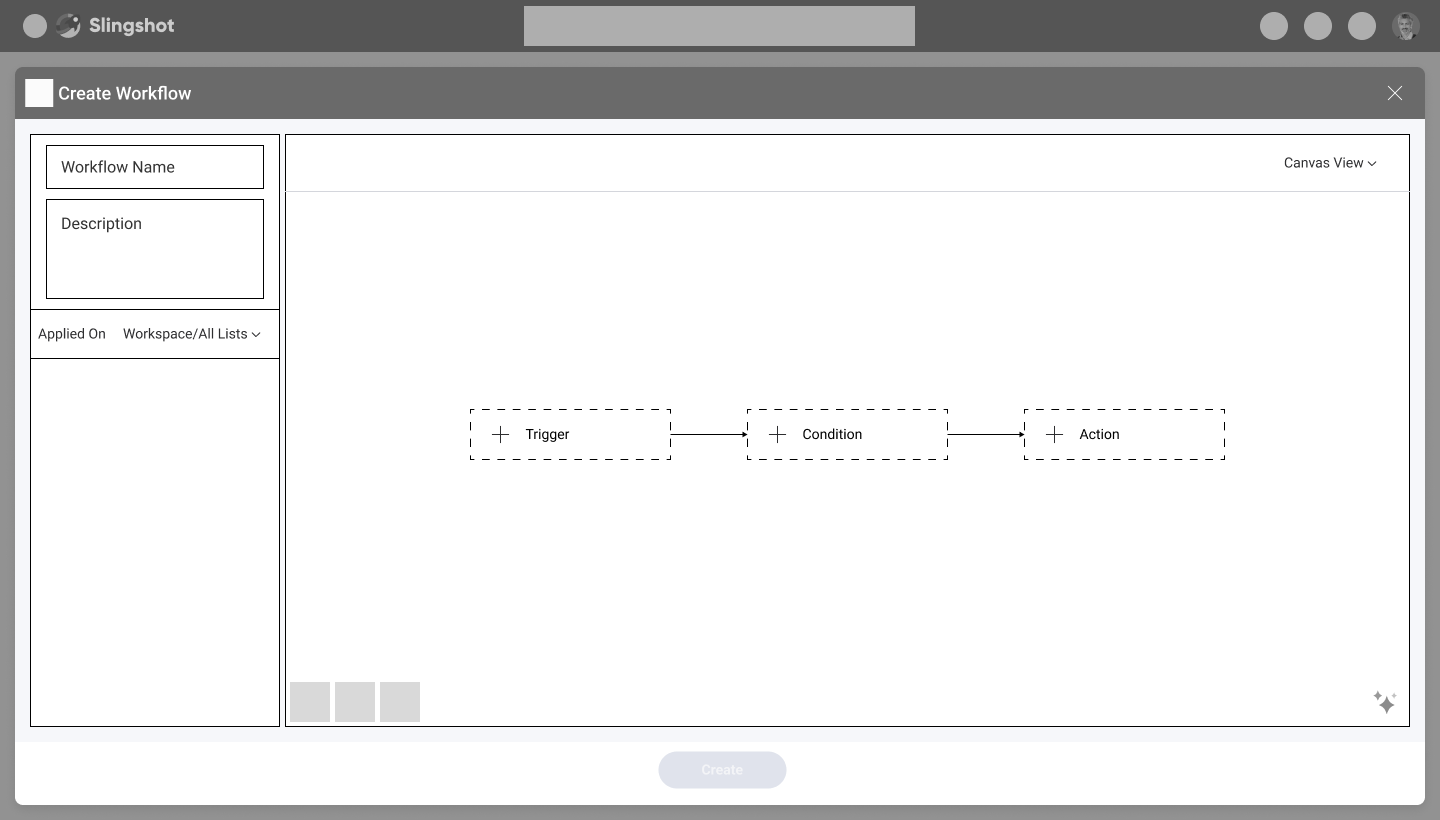
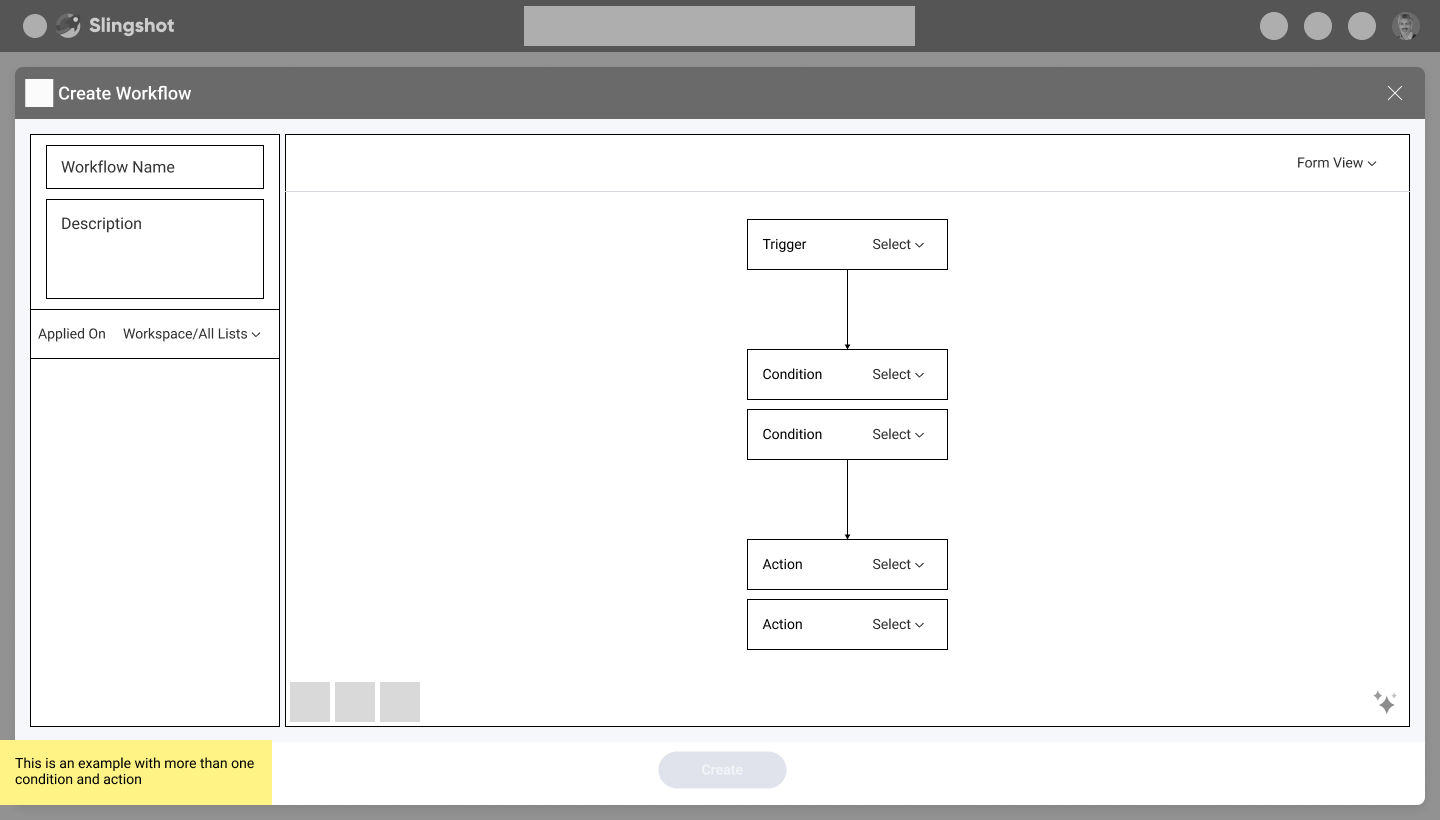
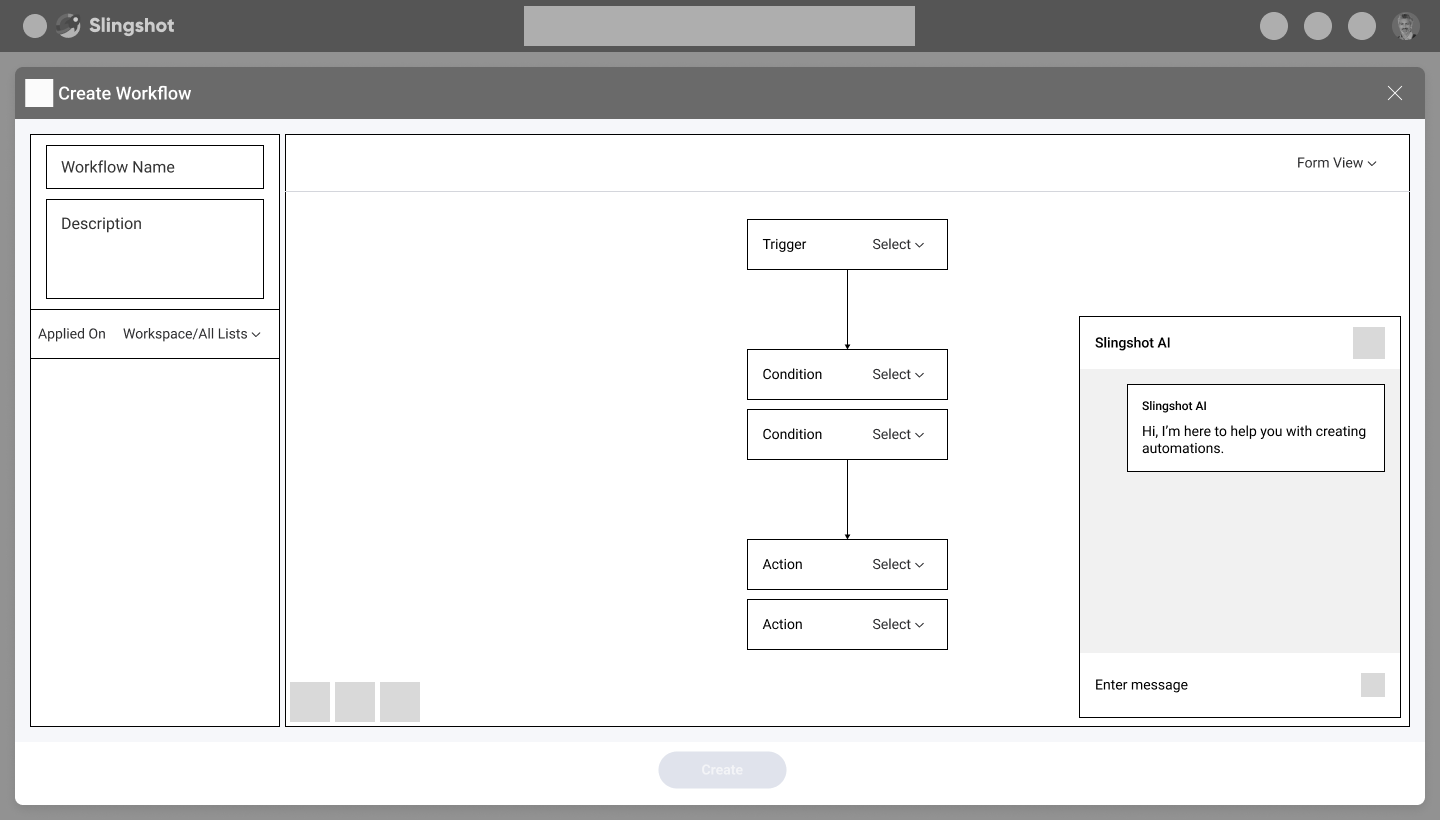
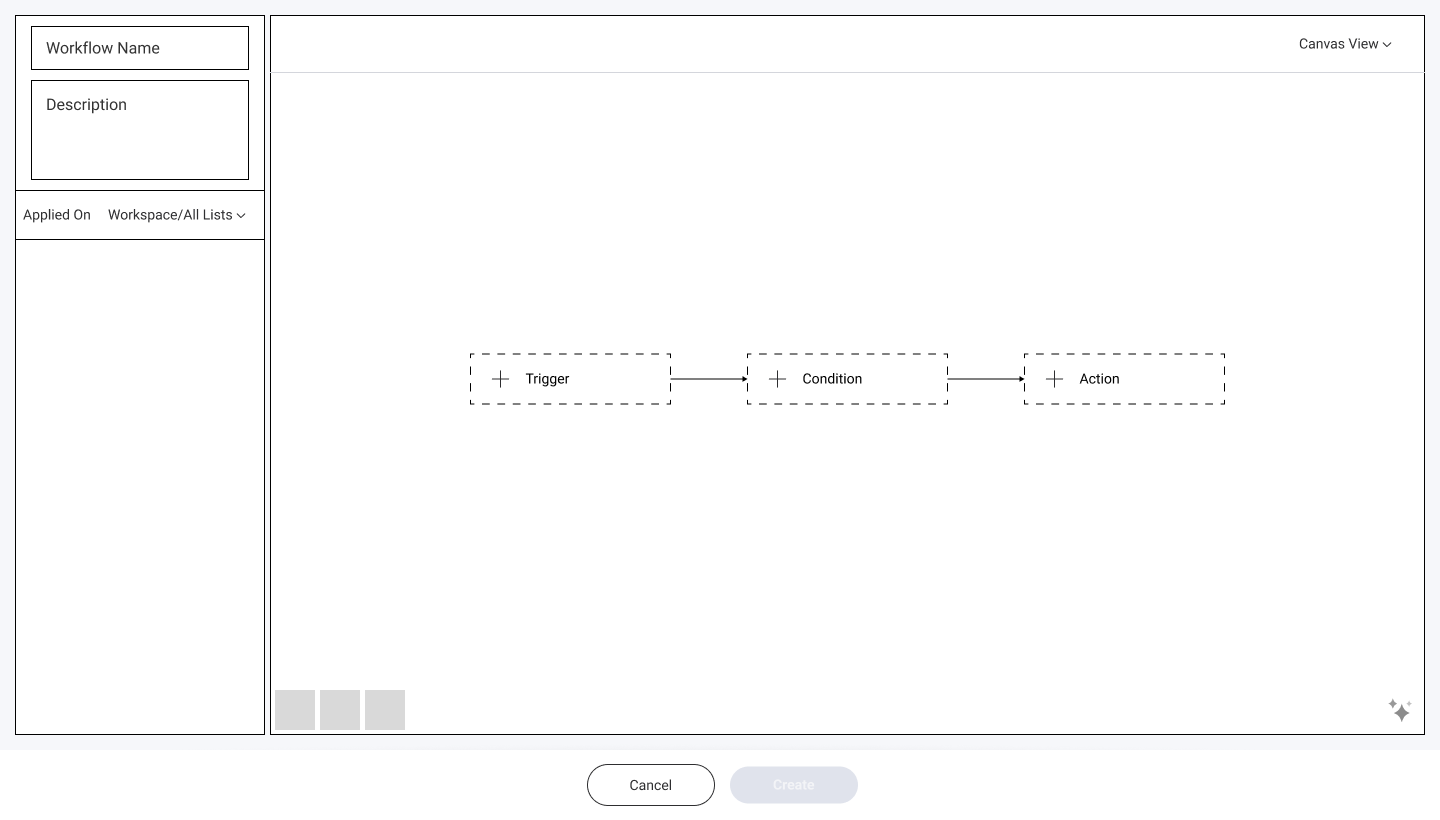
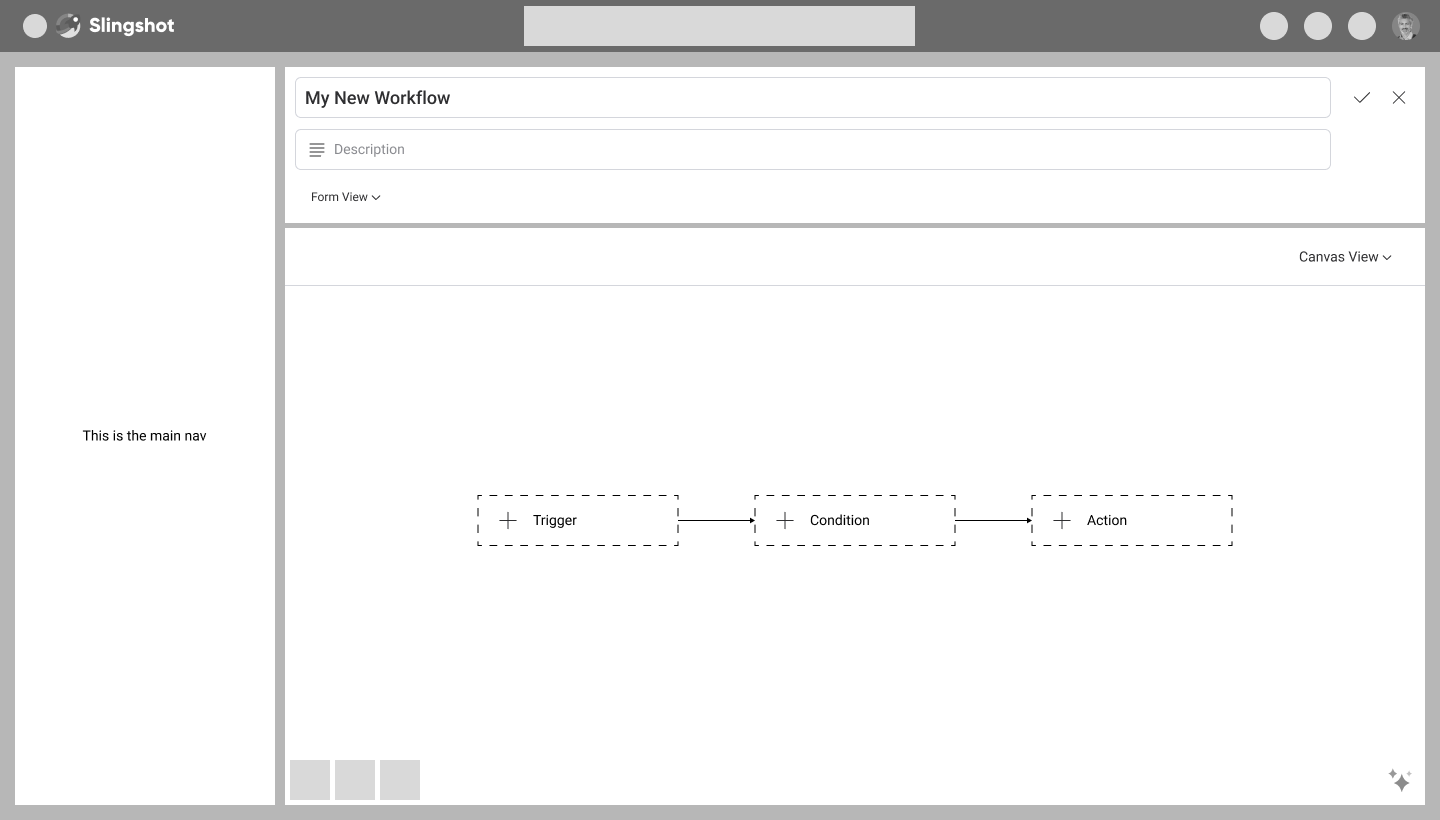
Template explorations
“My automations” explorations
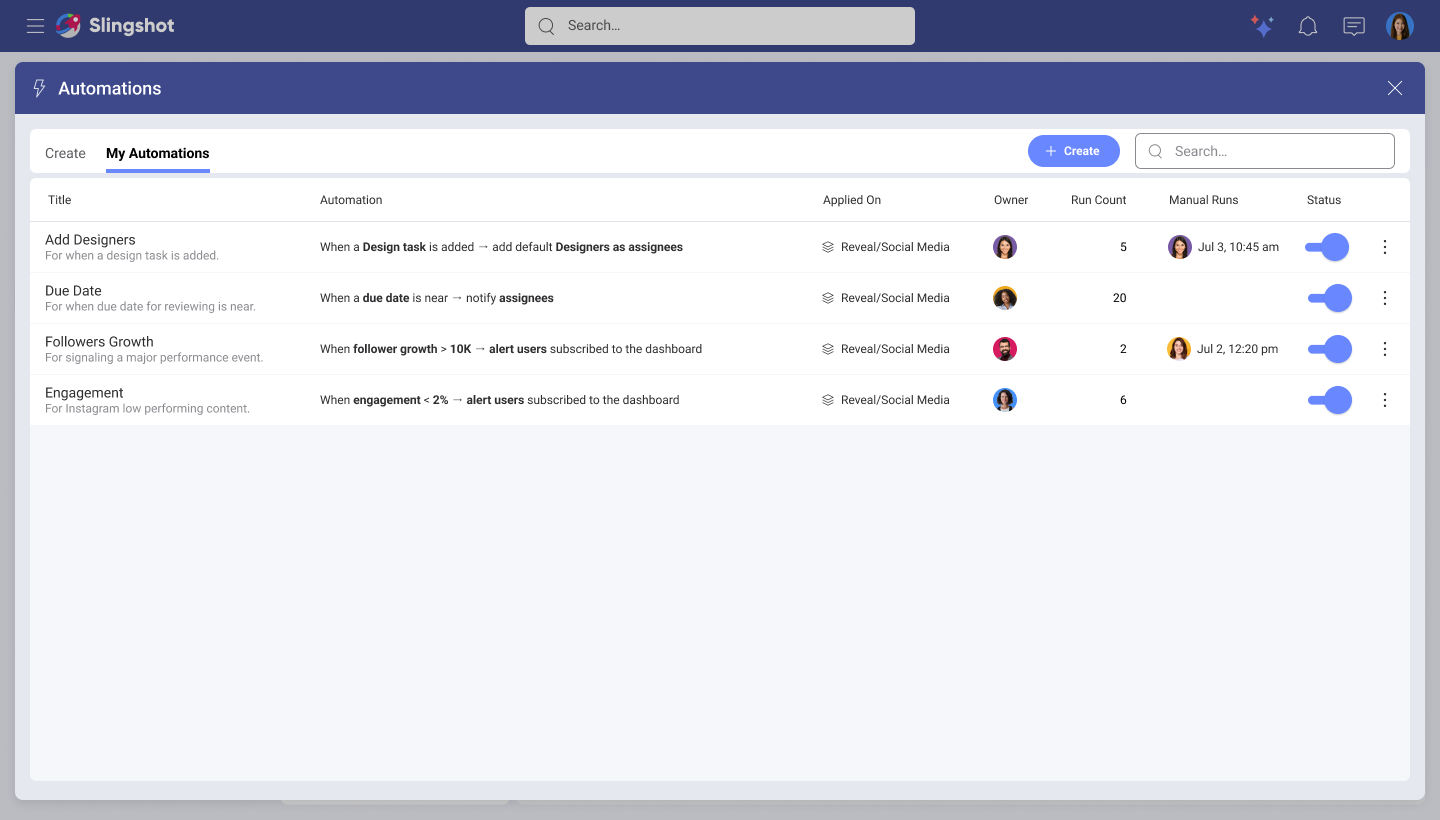
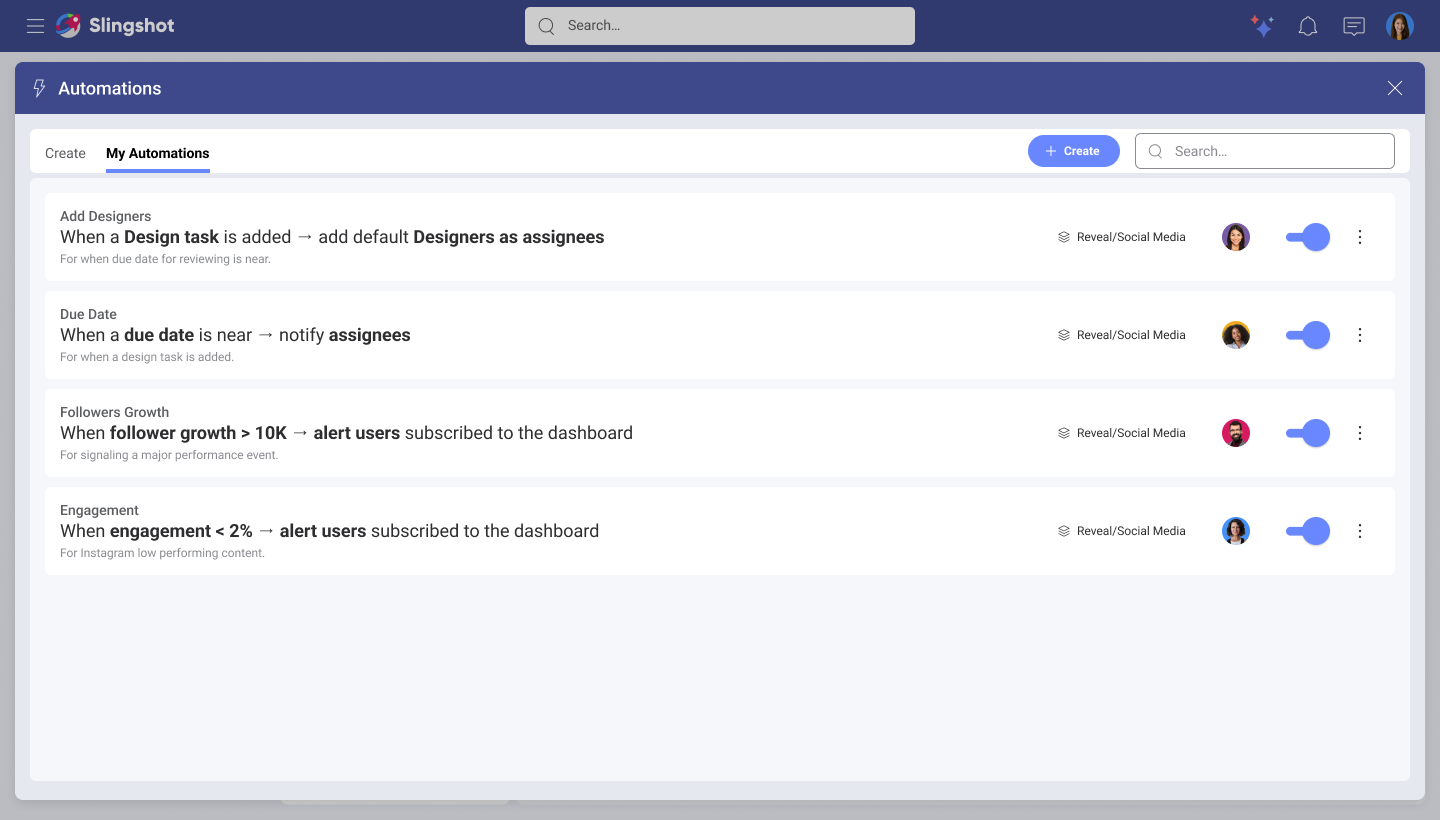
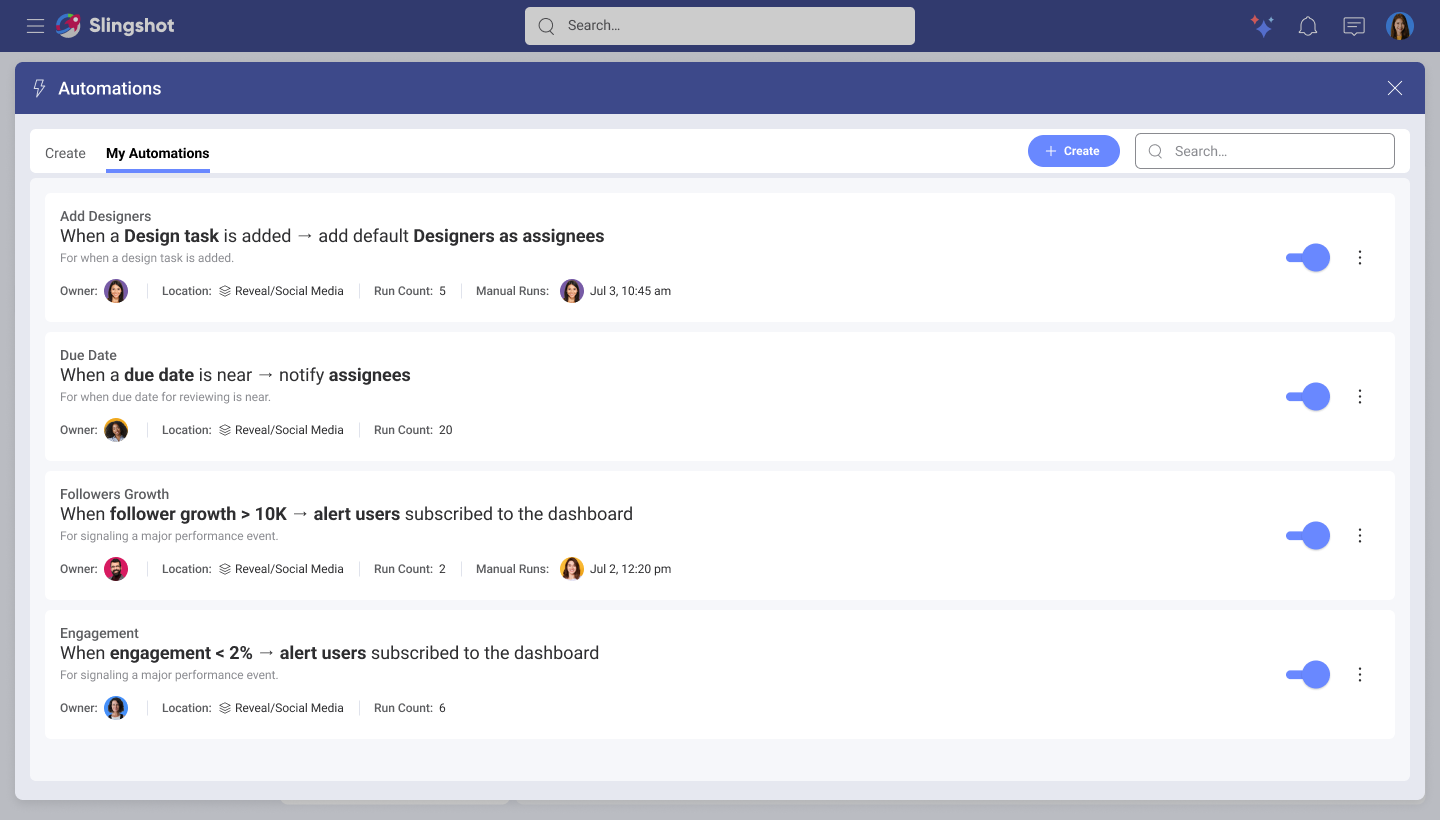
Exploring automations as a tab
Views explorations
Automating with AI explorations
Layout explorations
Usability test
I conducted moderated usability tests with 6 participants. The goal was to get a first impression of what users thought about the experience and to verify if they could build an automation from scratch using a form layout.
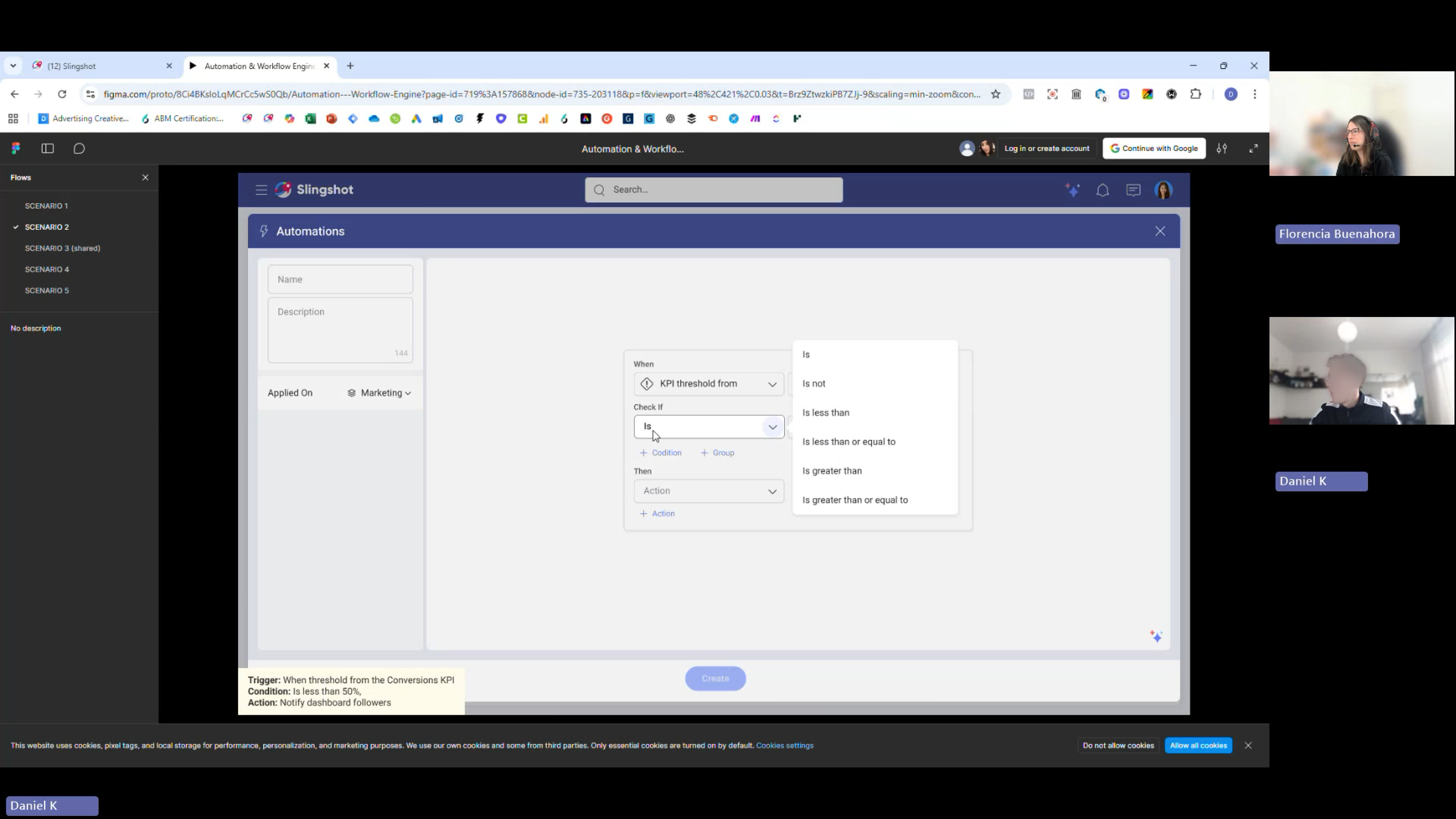
Screenshot of one of the sessions.
Key insights
- All participants said the experience was easy to use and functional. They appreciate the ability to build automations from scratch
- Strong support for running automations on a fixed schedule
- Users want thresholds alerts to extend beyond just KPI widgets to other types of visualizations
- Most participants would not create complex automations from scratch on a mobile device, viewing it as a desktop task
- Some participants suggested placing the automations feature in a more central location and/or providing contextual entry points