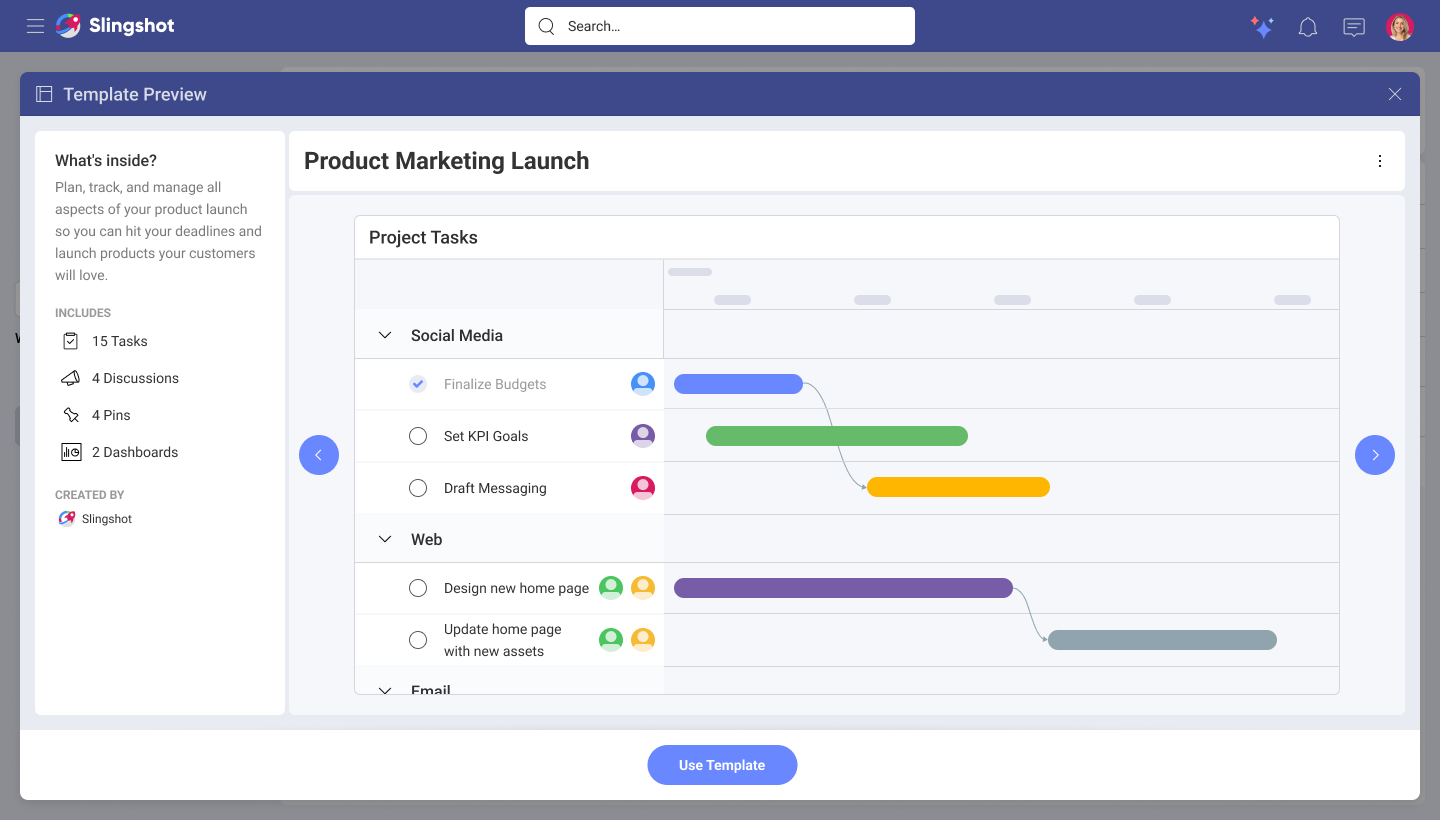
Research & experience design for project + data templates
Role: UX Designer
Team: UX Director, UX Lead, UX Designer (for dashboards), Product Owner, CEO, 2 developers.
Overview of product
Slingshot is a SaaS platform for project management, goal tracking, and data driven decision making.
Problem
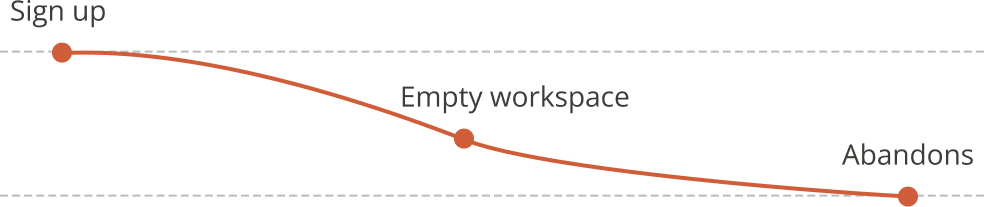
Onboarding journey
New users were abandoning the product shortly after onboarding.
Insights
User interviews revealed many expected the platform to provide a starting point, but instead encountered an empty workspace with little guidance on how to organize their work.
Opportunity
This introduced the opportunity to ask ourselves: How might we help users get started faster by providing a structured foundation that demonstrates best practices and reduces the effort required to set up their work?
Solution
Design Project Templates, a collection of pre-built projects tailored to common use cases. Templates provide users with a starting point for initiatives, processes, and team workflows while showcasing best practices and helping users understand how to get the most value from the platform.
Versions
With agreement from the product owner, this solution was divided into 3 different versions:
Version 1
Out of box templates
Version 2
Custom templates
Version 3
Updating onboarding
Users
The feature was designed for cross-functional teams across marketing, finance, HR, product development, and sales. User considerations were informed by audience segmentation research that identified distinct workflows, goals, and collaboration patterns across these groups.
Version 1 - Out of box templates
Generative research
Together with my UX Lead and UX Director, conducted 14 in-depth interviews and collected 107 survey responses to understand views of users on templates, what works, what doesn’t, what templates they use, who creates them, who approves them, and more.

Screenshot of one of the sessions.
Key insights
- Templates are already a core part of how teams work. Participants regularly relied on templates for projects, initiatives, campaigns, and recurring tasks, with many organizations maintaining from up to 10 templates to up to hundred. This insight was used in order to design how to storage custom templates.
- Template creation is decentralized. Most participants reported that anyone on a team can create templates, while approval and governance are typically handled through lightweight collaboration rather than formal workflows. This insight served for when deciding permissions for custom templates saved in shared workspaces.
- Teams need accessible, reusable starting points. Templates are commonly stored in external tools such as SharePoint folders, making them difficult to discover and manage. Users expressed a desire for a more flexible and centralized way to access and reuse templates within their workspace. This insight helped me when exploring entry points.
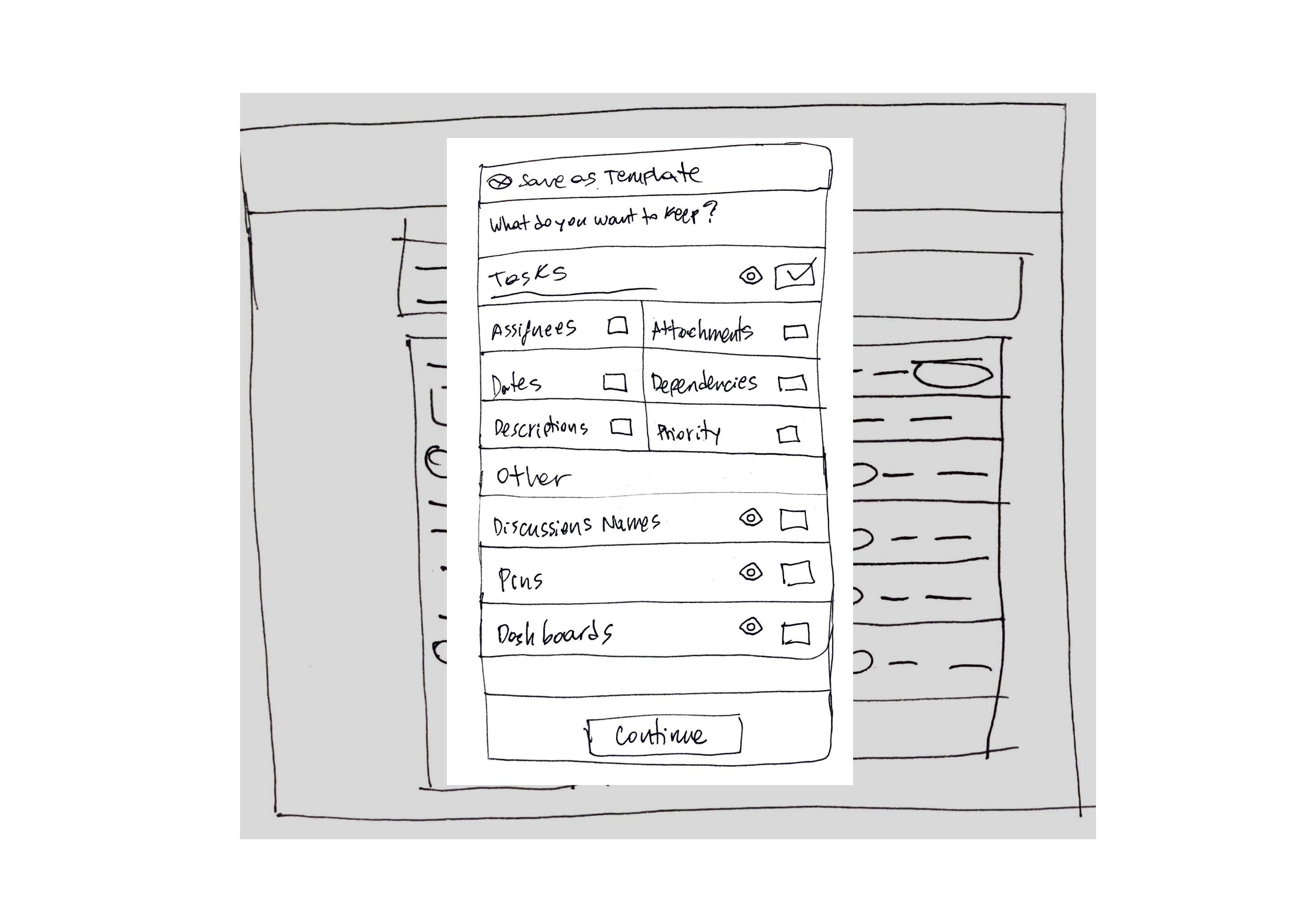
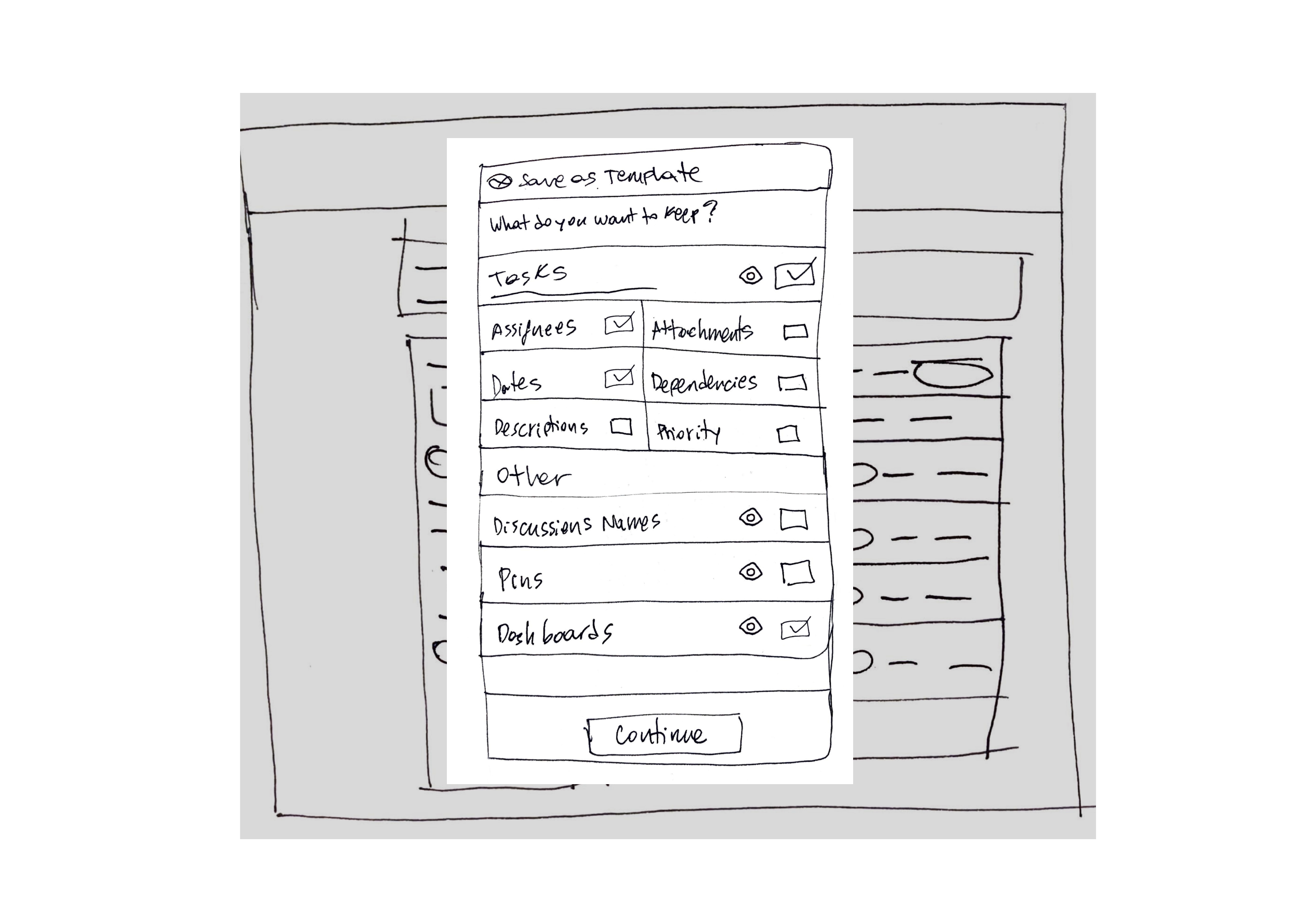
Also learned that tasks, charts, attachments, and comments were the most valuable elements to include in a template, helping teams standardize work while remaining flexible enough to adapt to different projects. This information was useful for displaying the decision of what to keep when saving custom templates.
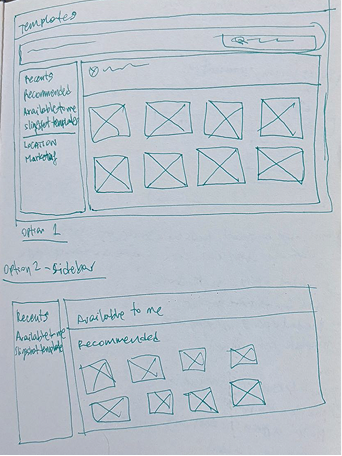
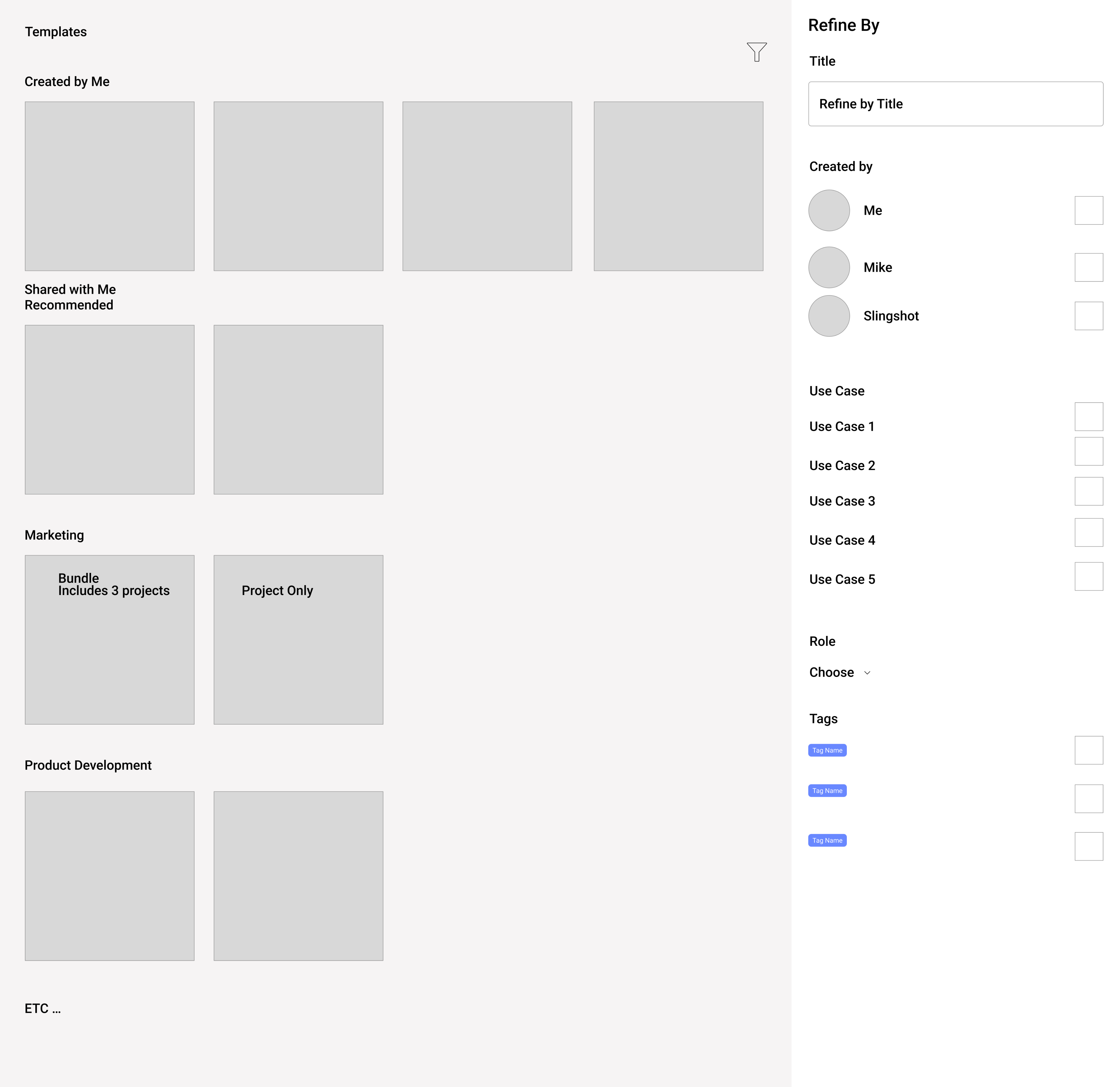
Sketches, wireframes and different high-fidelity iterations
These where done in order to explore how to layout the out of box templates.
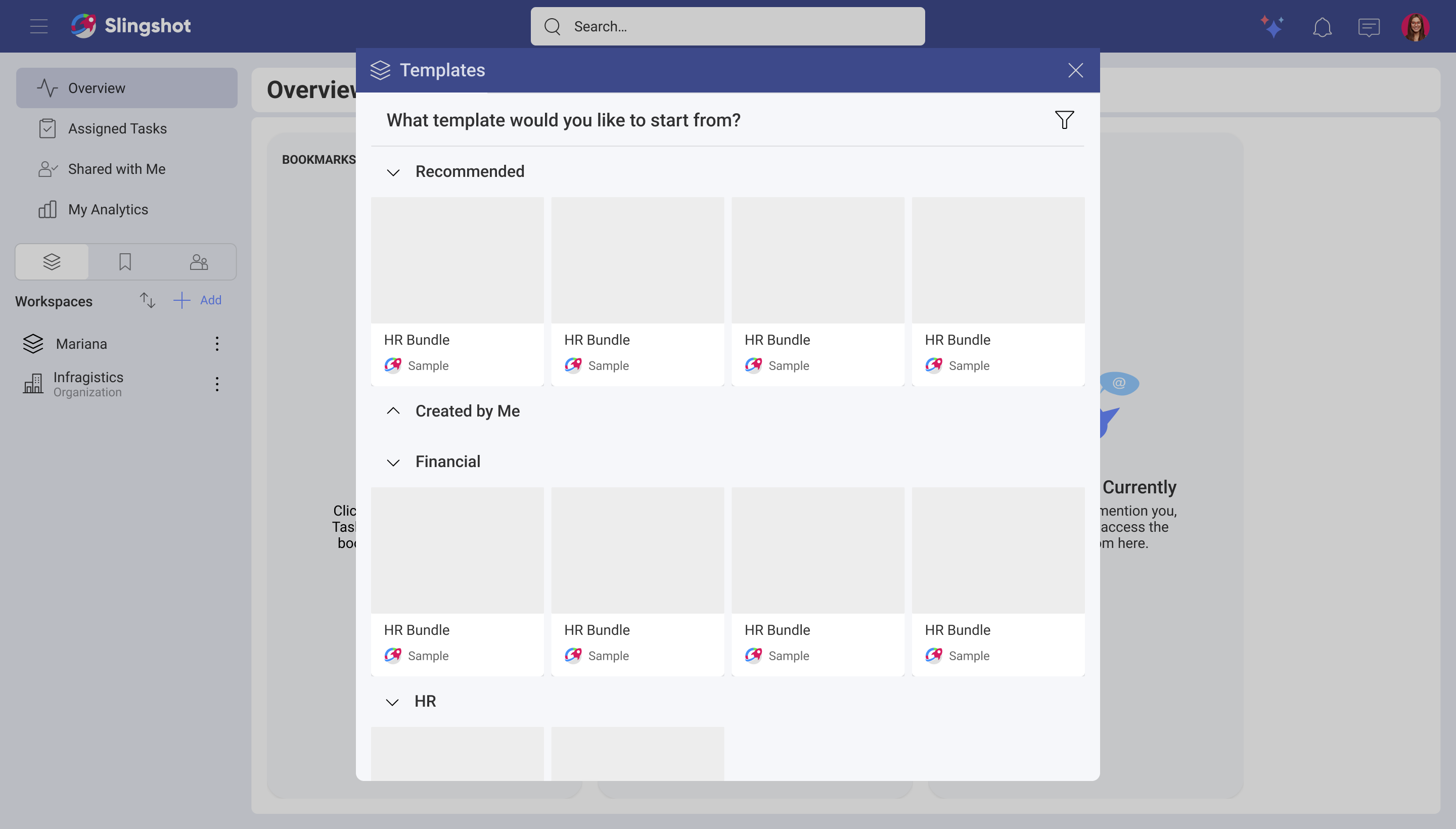
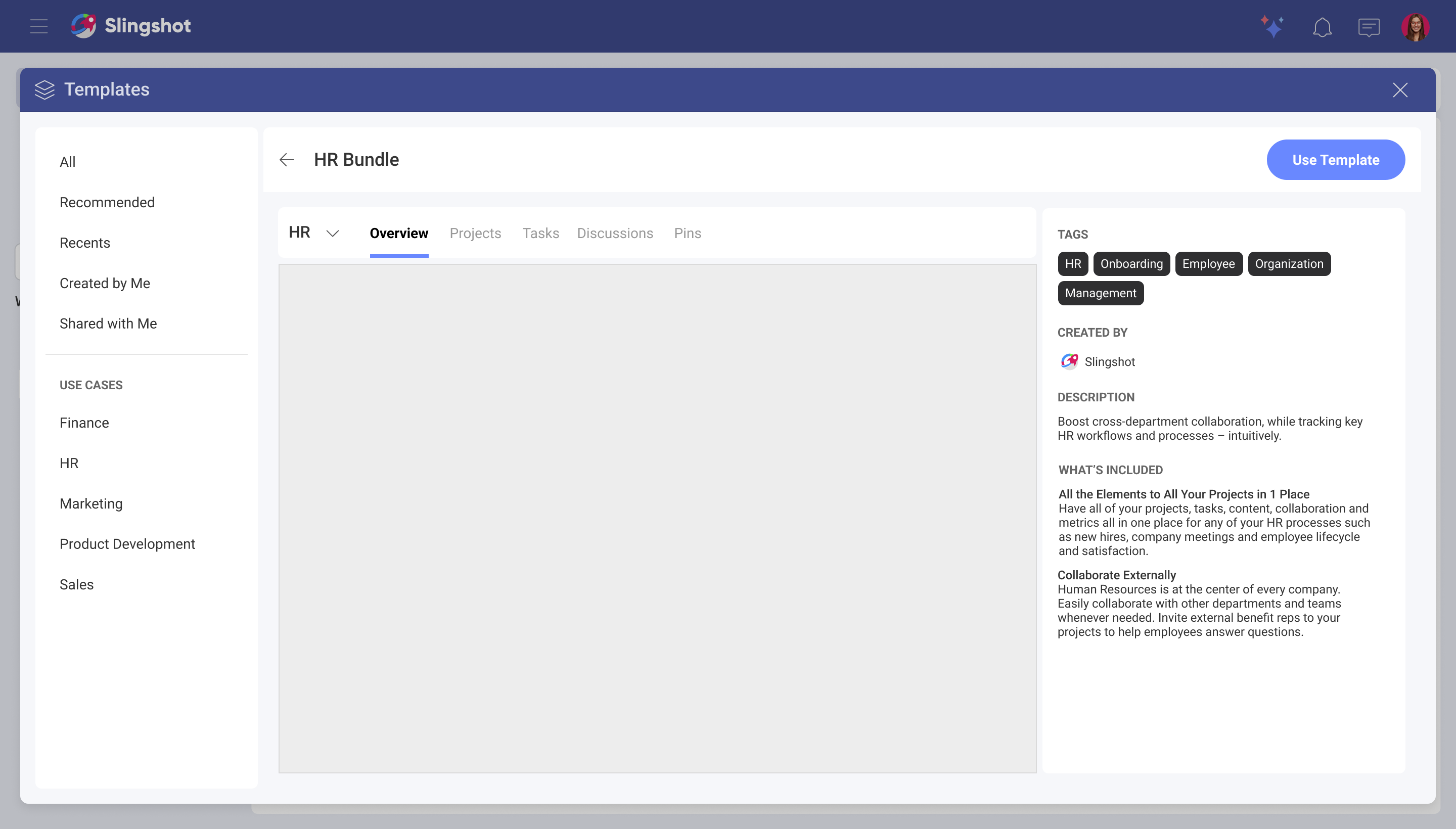
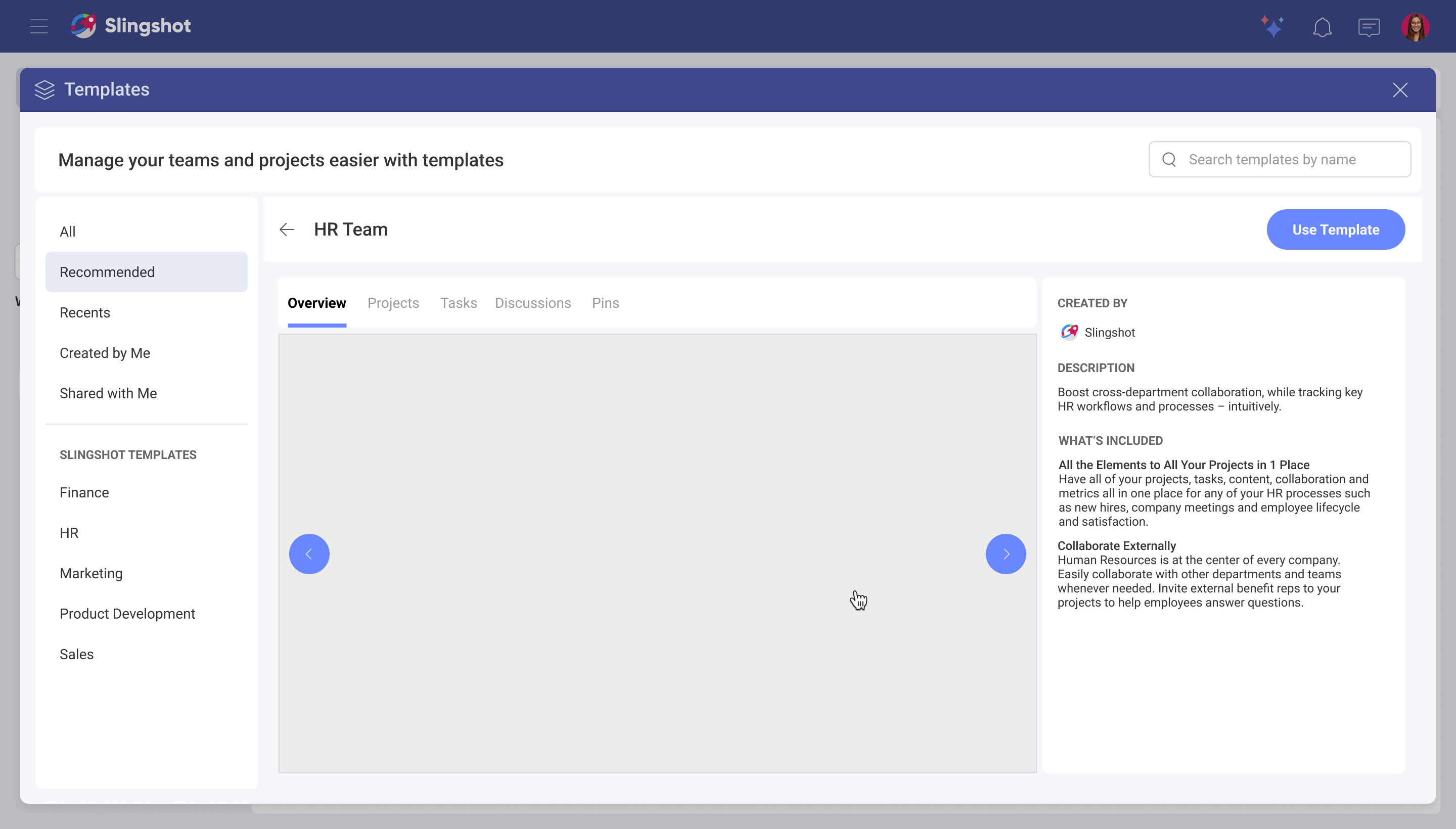
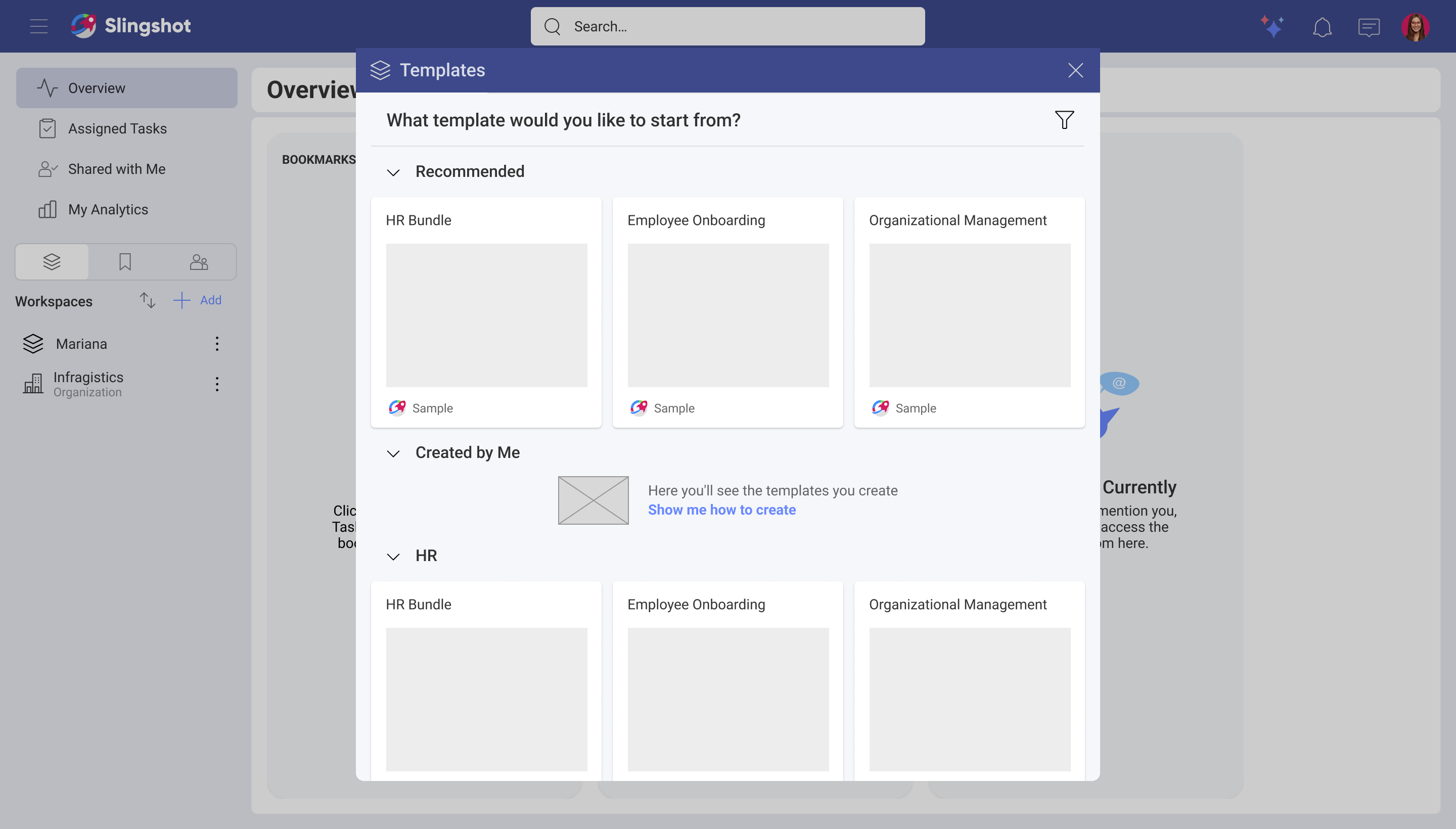
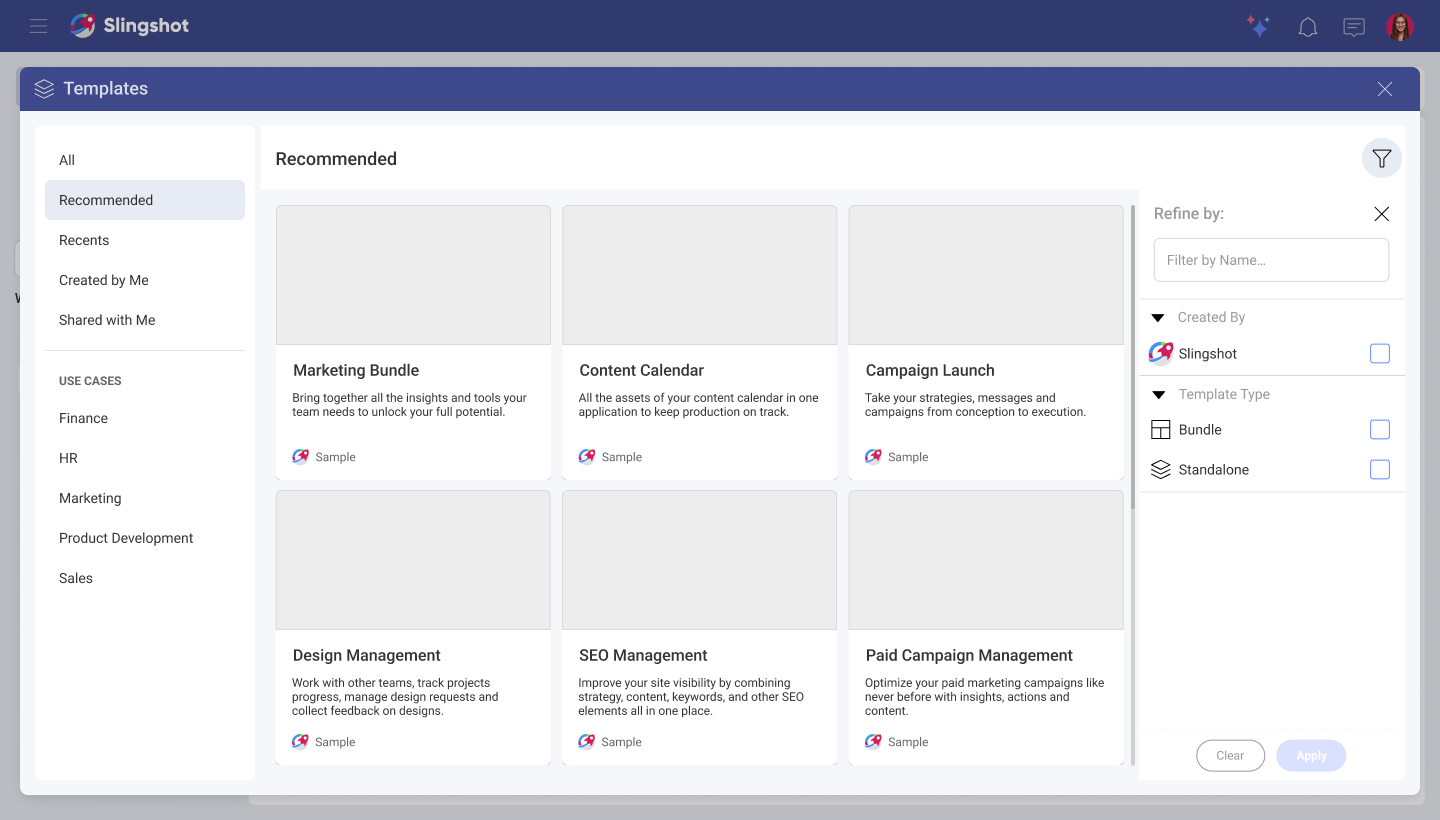
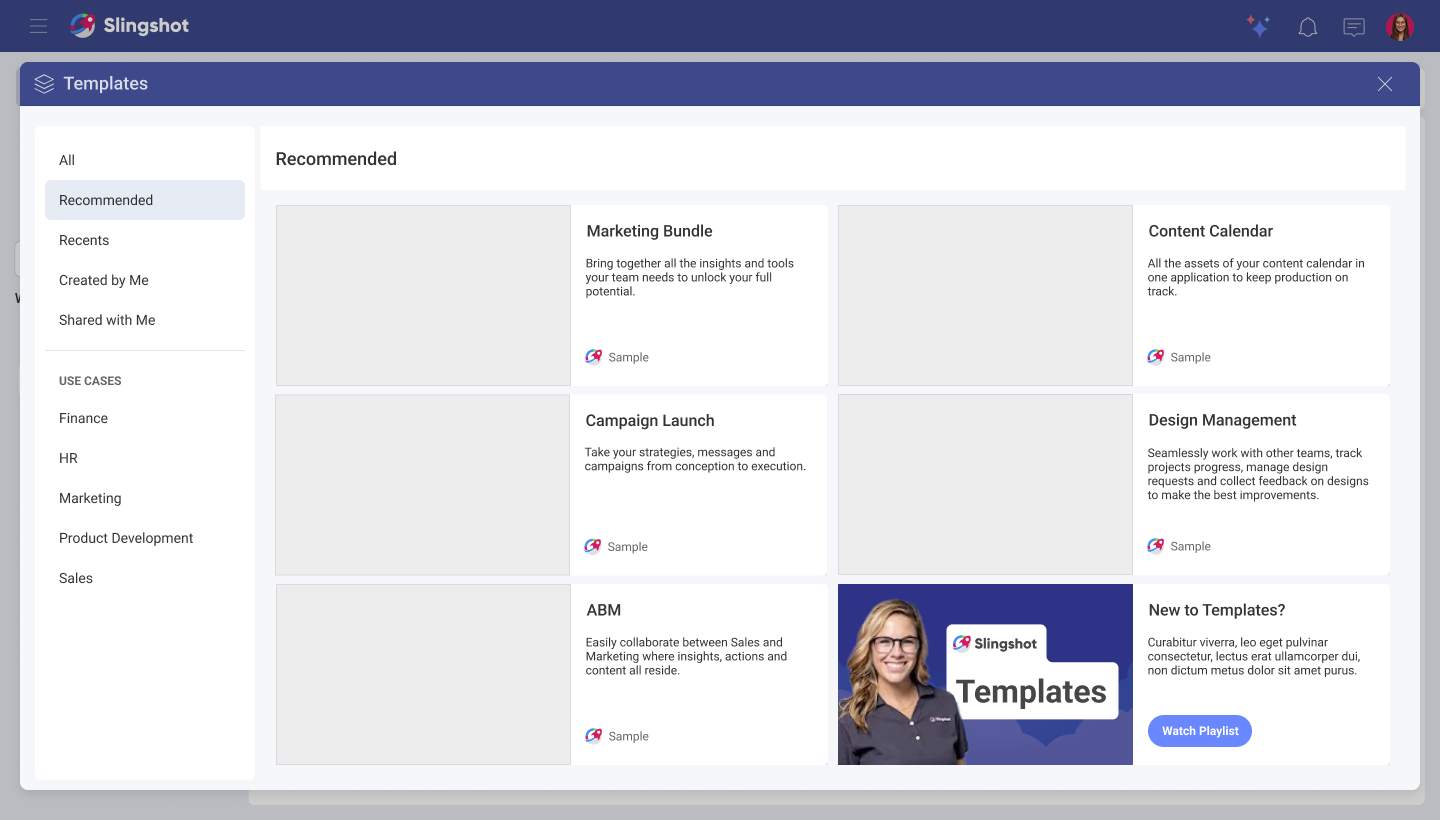
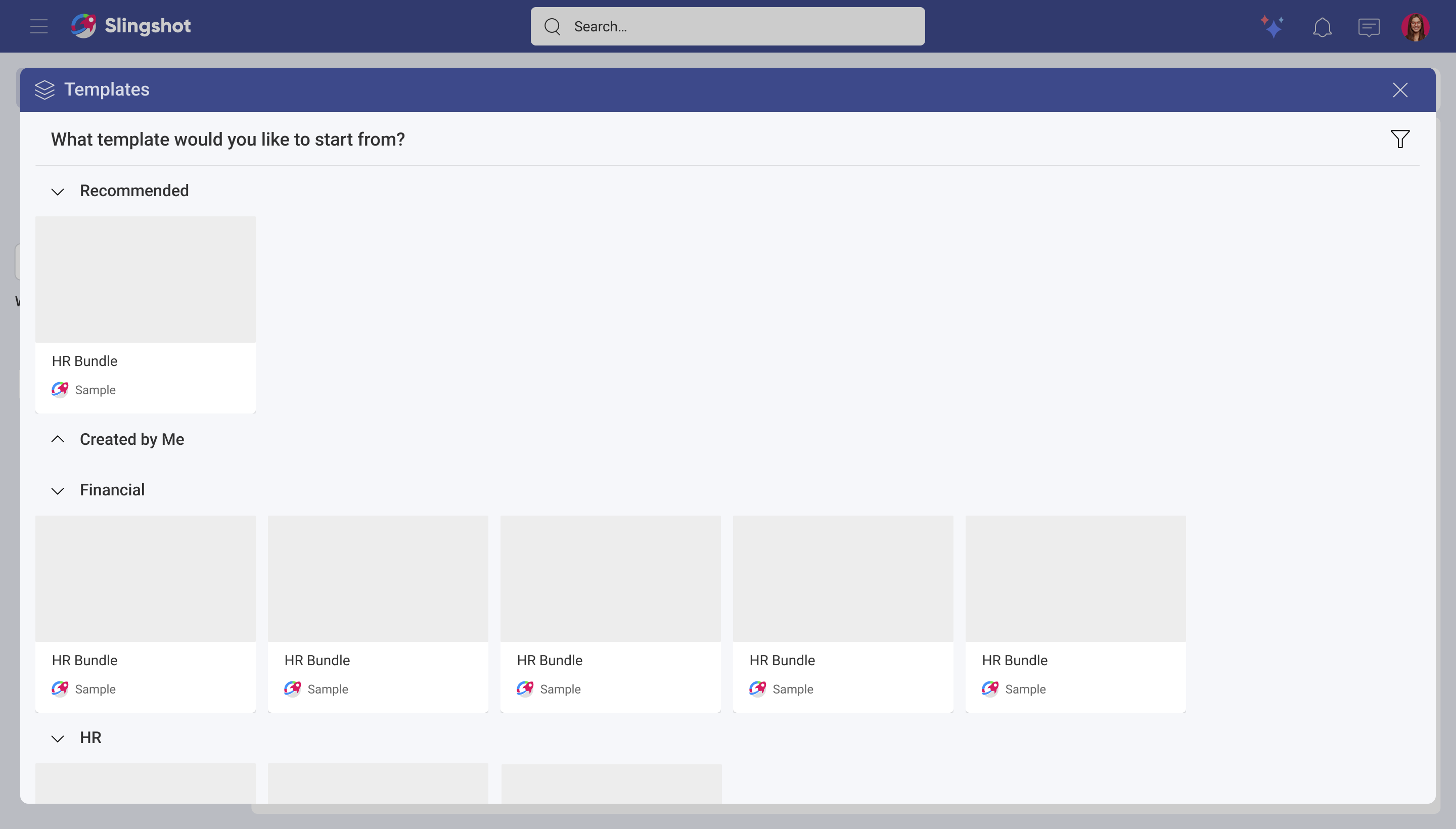
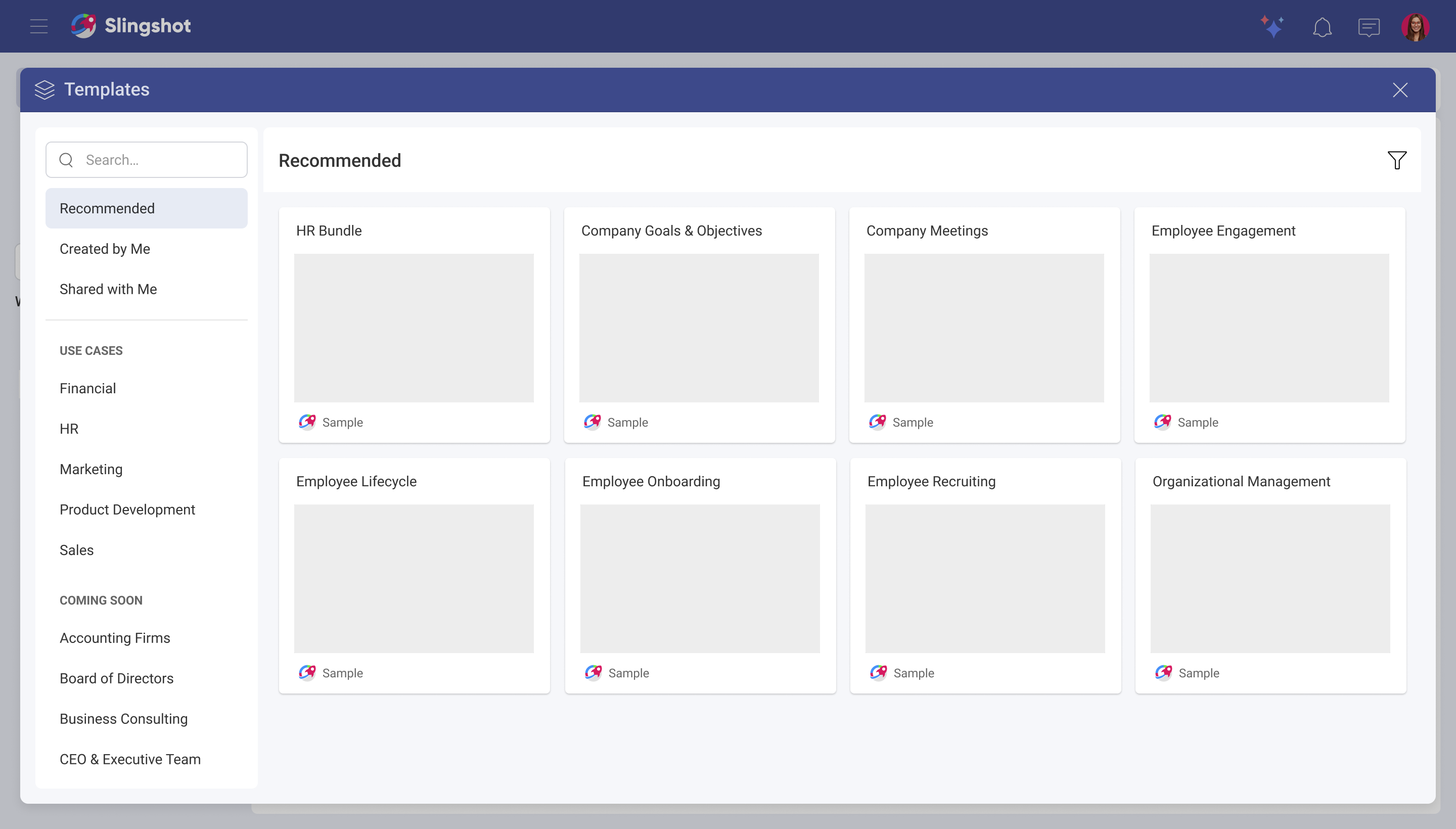
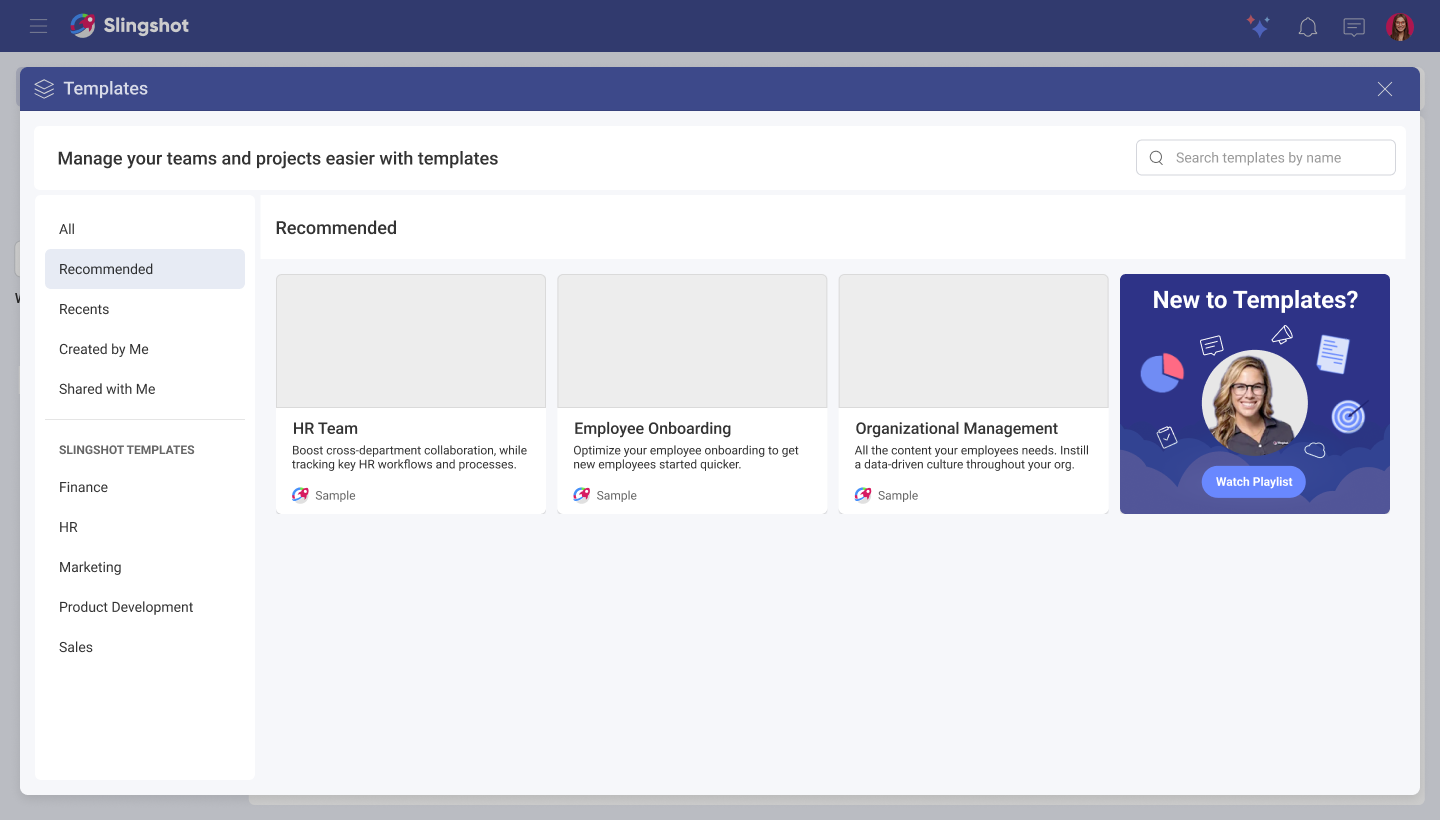
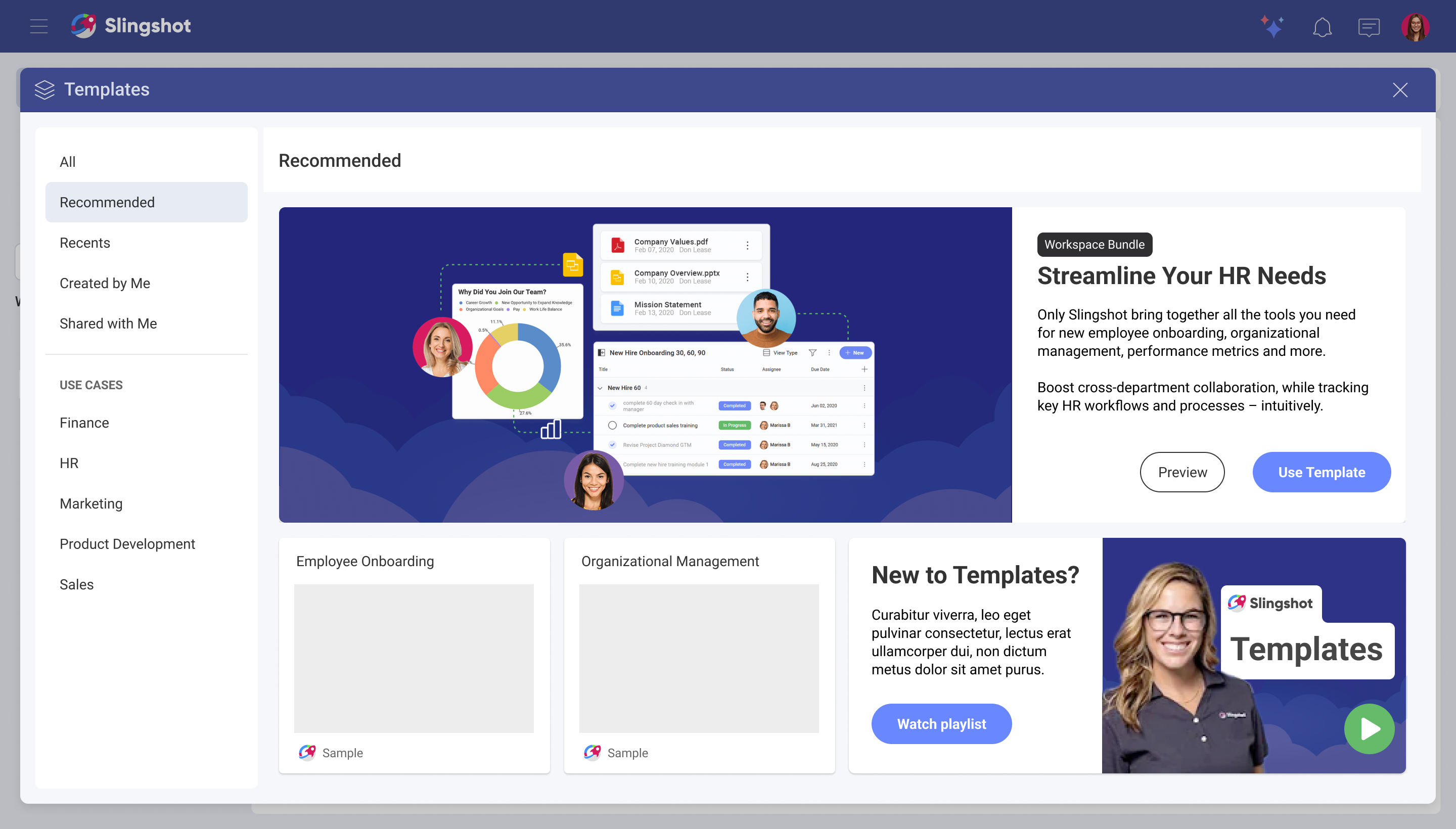
Design challenge: Defending dynamic thumbnails
One of the key design decisions was how templates would be represented in the library. The initial approach considered using static thumbnail images. While visually appealing, this solution introduced long-term maintenance challenges: every new template would require a custom image, updates would need ongoing support, and localized versions would require additional assets for different languages.
My proposal
I proposed a system of dynamic thumbnails generated from the actual contents of a template. Instead of relying on manually created images, the thumbnail would automatically render a visual preview of the template’s structure, tasks, charts, and content.
This approach provided several benefits:
- Scaled automatically as new templates were added
- Eliminated the need to maintain hundreds of static assets
- Worked across languages without requiring translated graphics
- Created a more accurate preview of what users would get after selecting a template
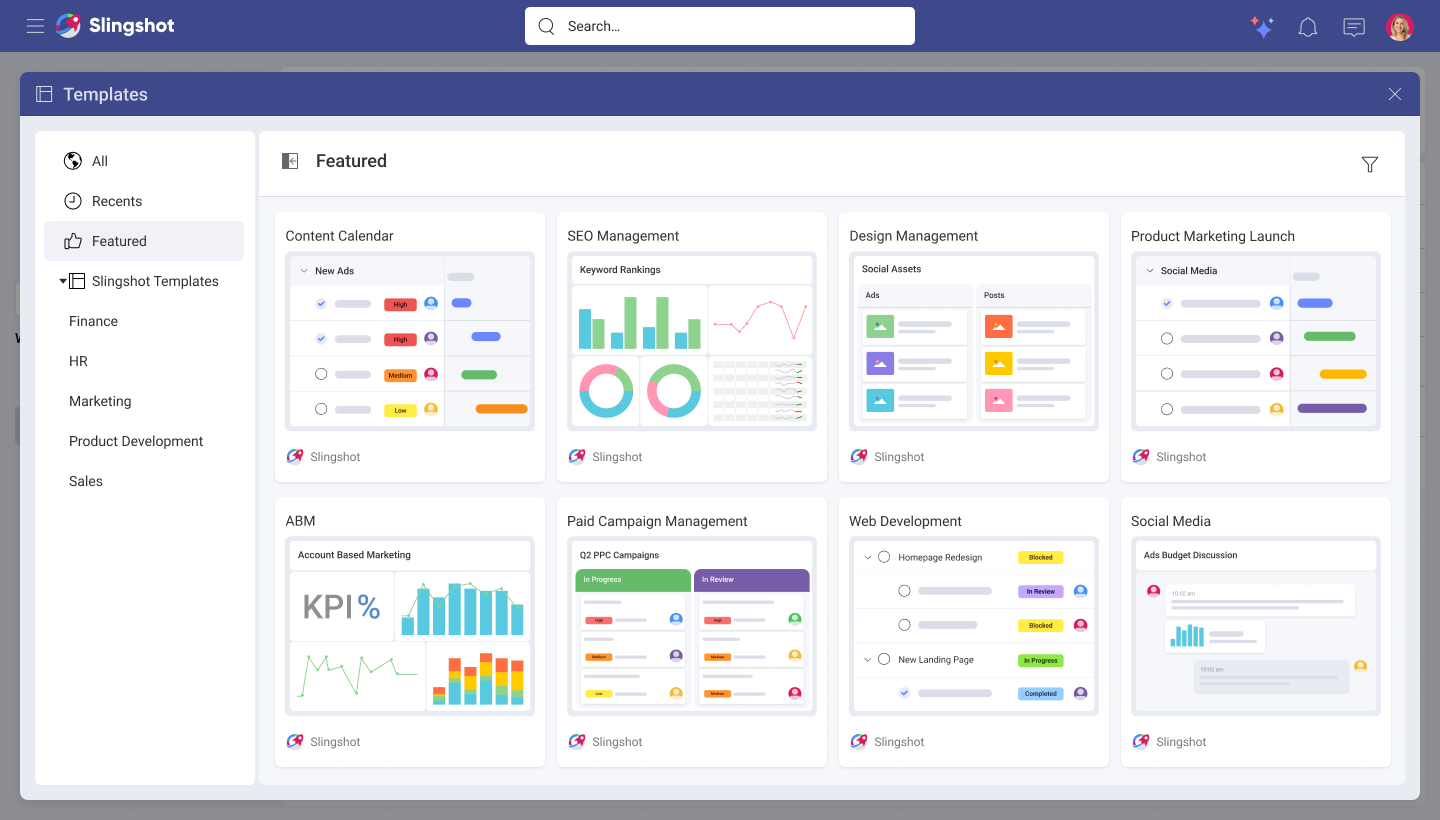
Proposed solution.
Validation
Because the solution was unconventional compared to the static thumbnail approach, I conducted 14 moderated user interviews to validate whether users could understand and trust these automatically generated previews.
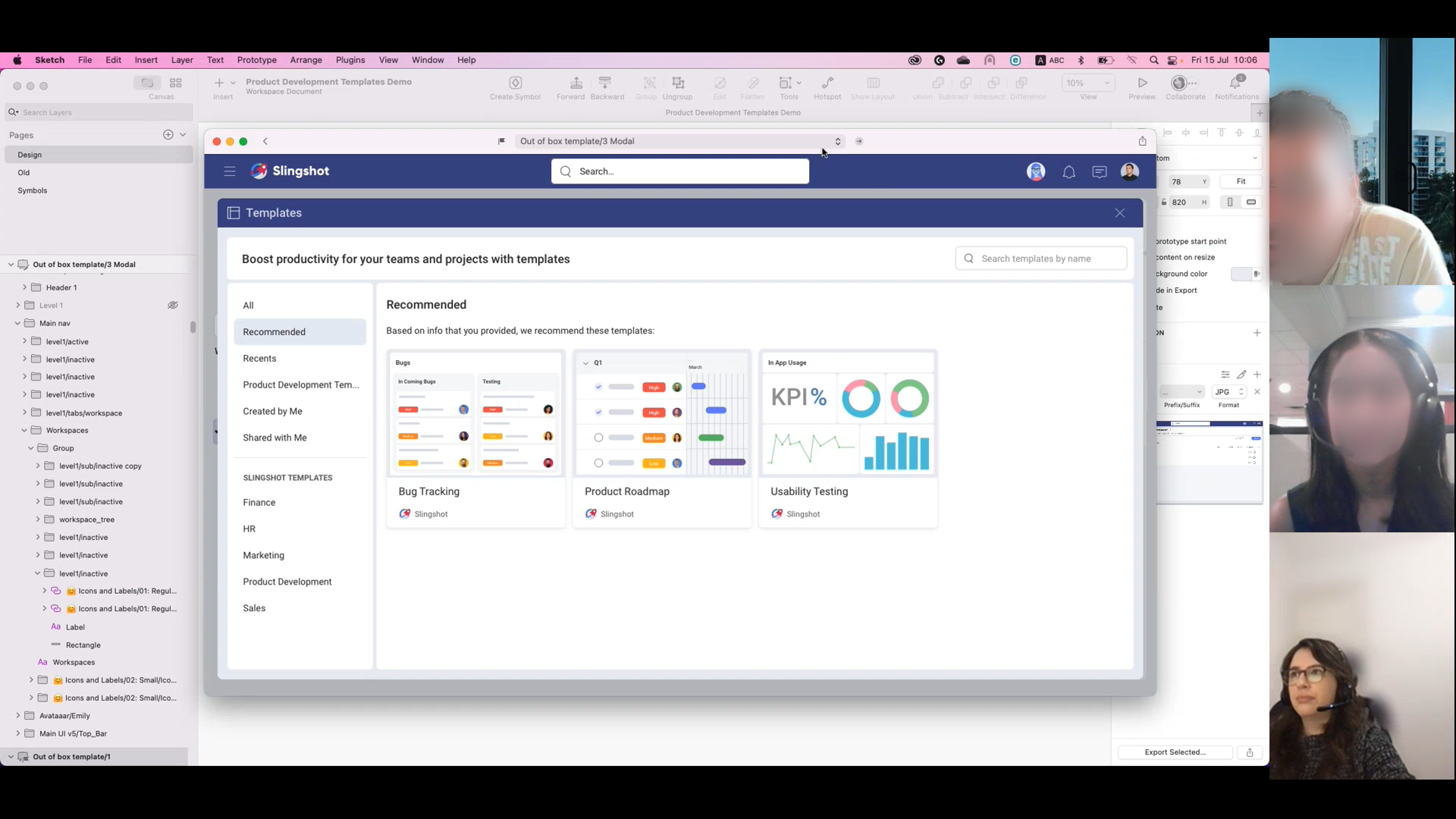
Screenshot of one of the sessions.
The findings were overwhelmingly positive. Participants consistently described the thumbnails as:
Clear and self-explanatory
Helpful for understanding what was inside a template
Clean and visually appealing
Detailed enough to provide context without overwhelming them
Outcome
The research validated that users could successfully understand template content through dynamic previews, allowing the team to move forward with a scalable solution that reduced maintenance costs while improving discoverability and template selection confidence.
Thumbnails structure
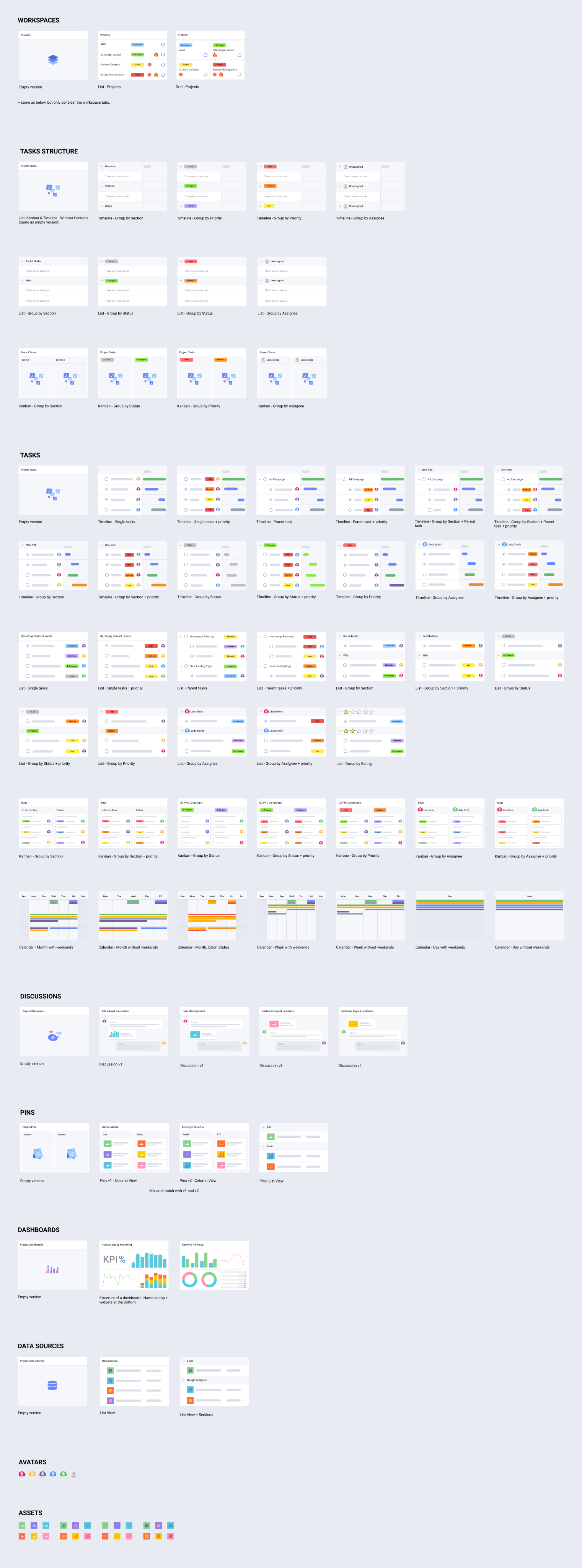
Final flow for out of box templates
Out of box dashboard templates
The out of box project templates included dashboard templates. This was also introduced as a separate feature inside the dashboards area. Together with Sr. UX Designer Martín Loskin, we worked on defining the experience.
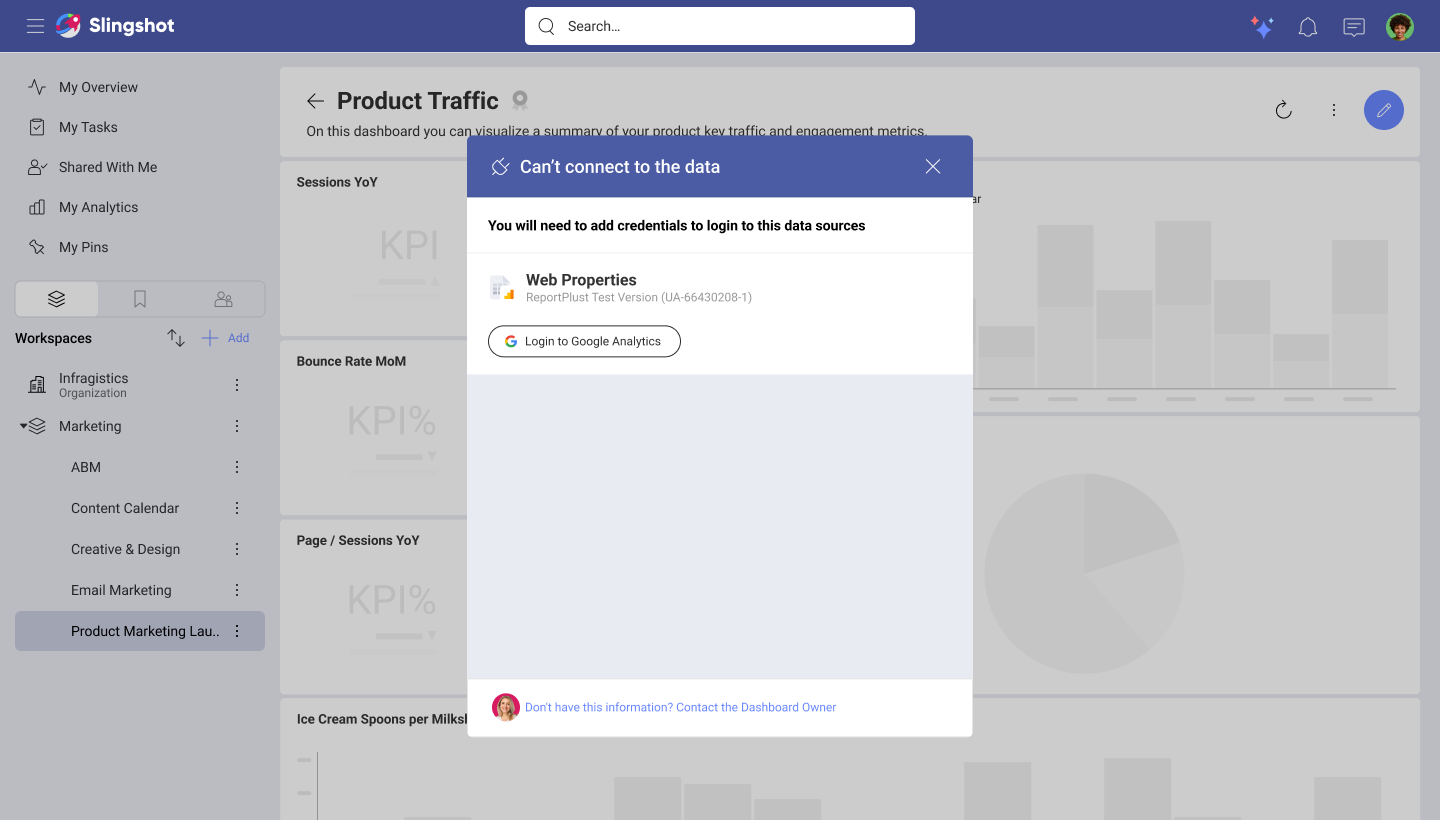
Future opportunity: To reduce dead ends caused by permission restrictions, I explored allowing users to request access from dashboard owners directly within the experience. This concept was ultimately deferred from the initial release.
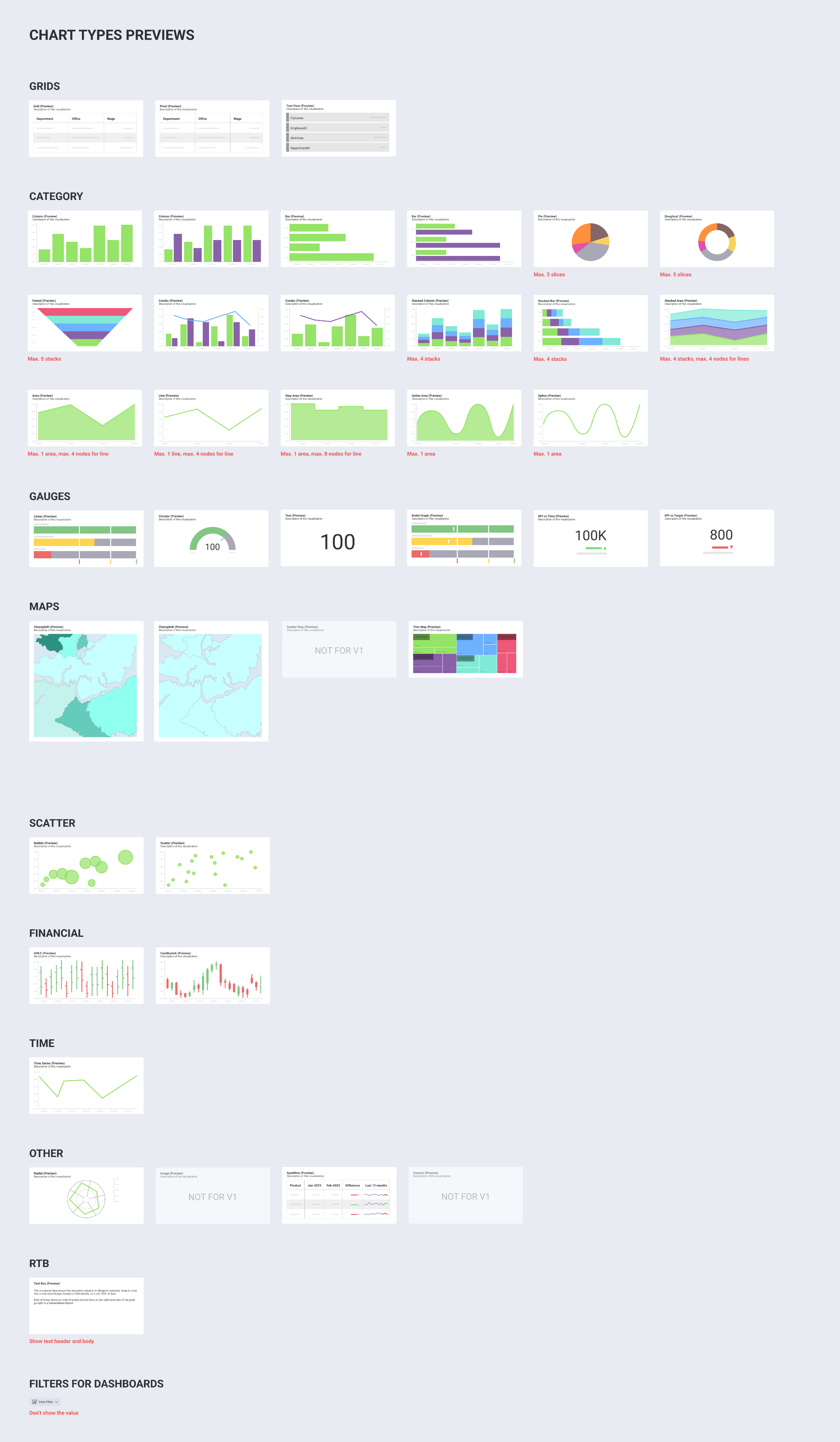
Dashboard chart type previews
Version 2 - Custom templates
While predefined templates helped new users get started, research showed that every team eventually adapts processes to fit their own workflows. Marketing teams, product teams, HR departments, and consulting groups all organize work differently, making one-size-fits-all templates insufficient.
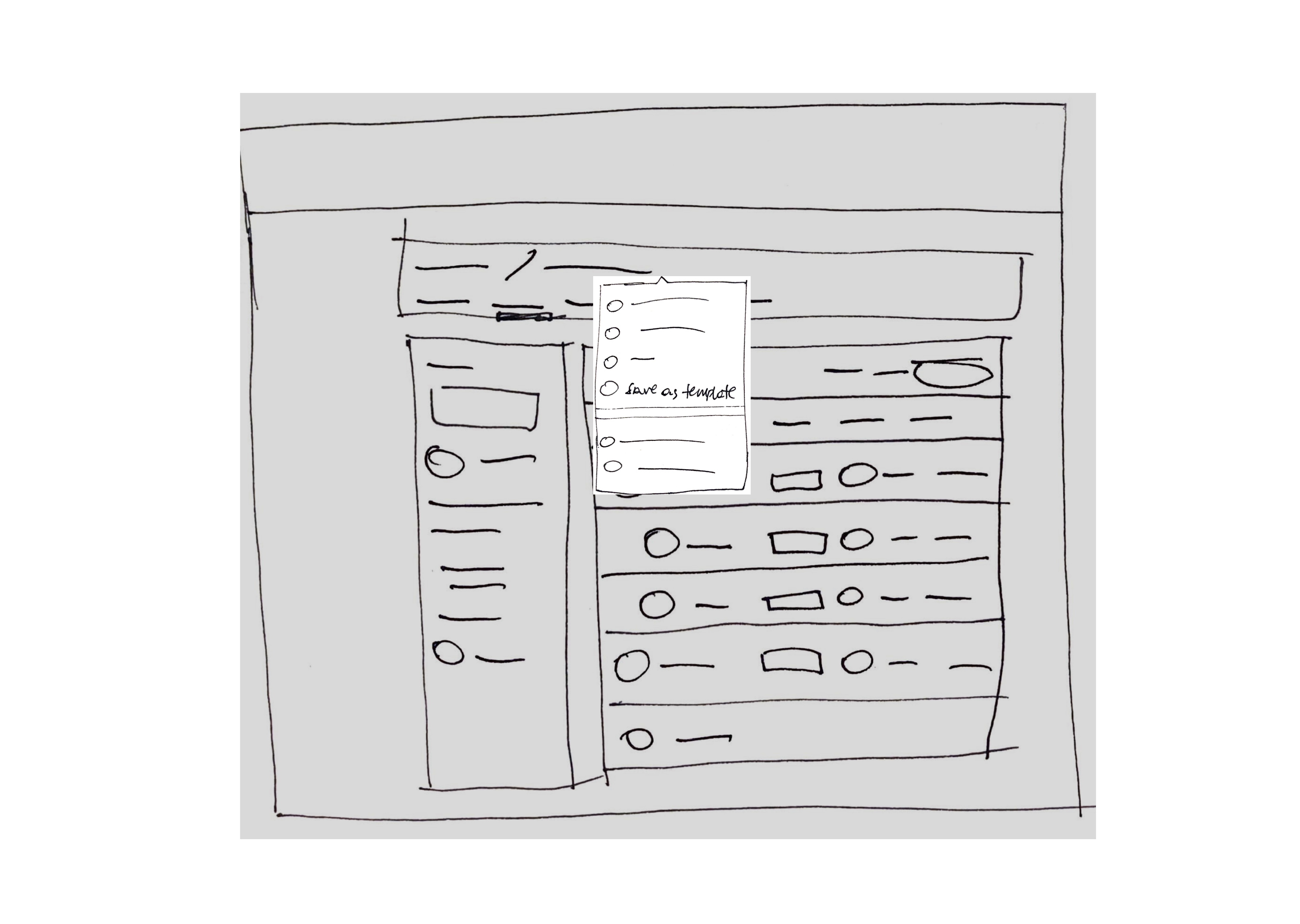
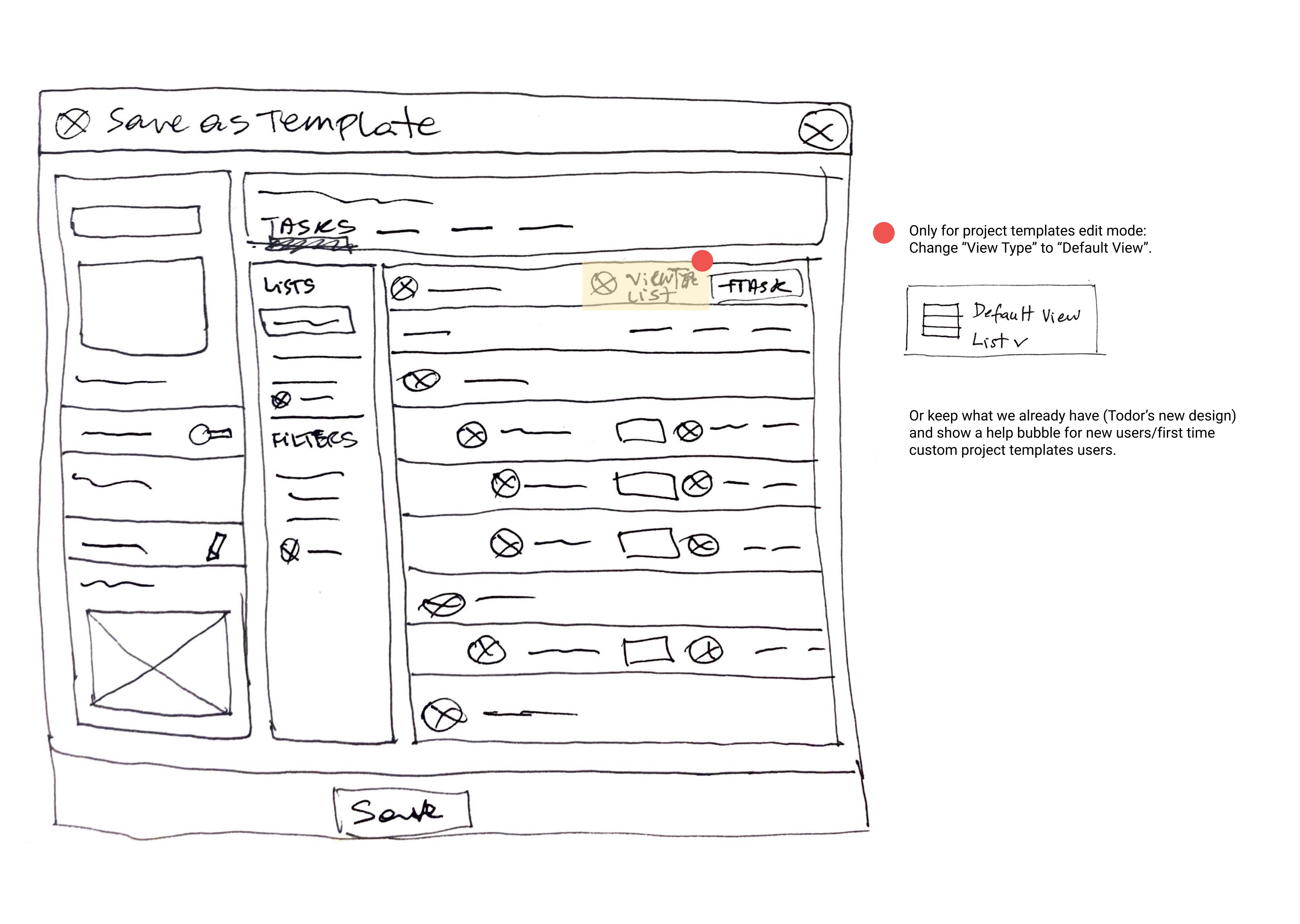
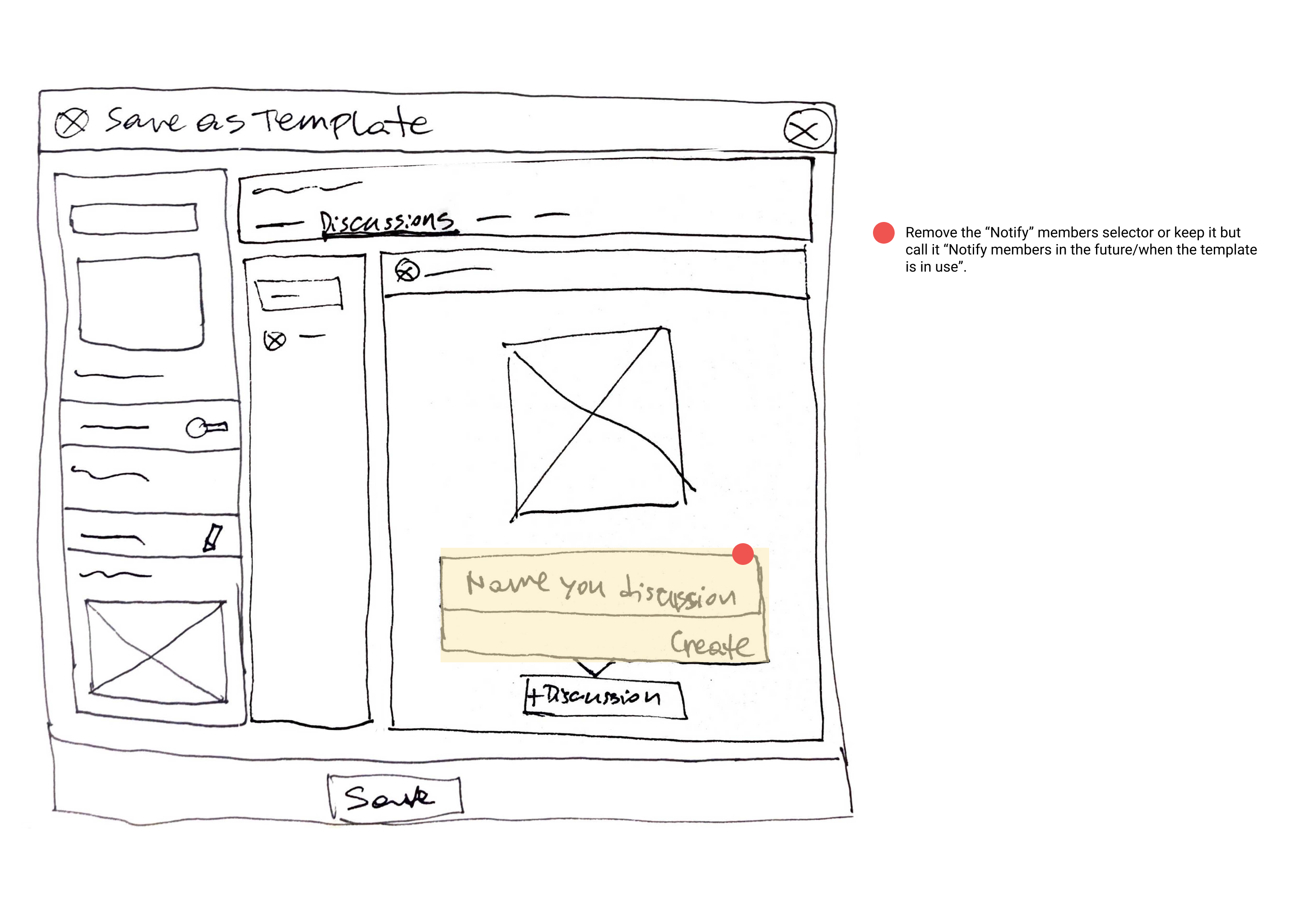
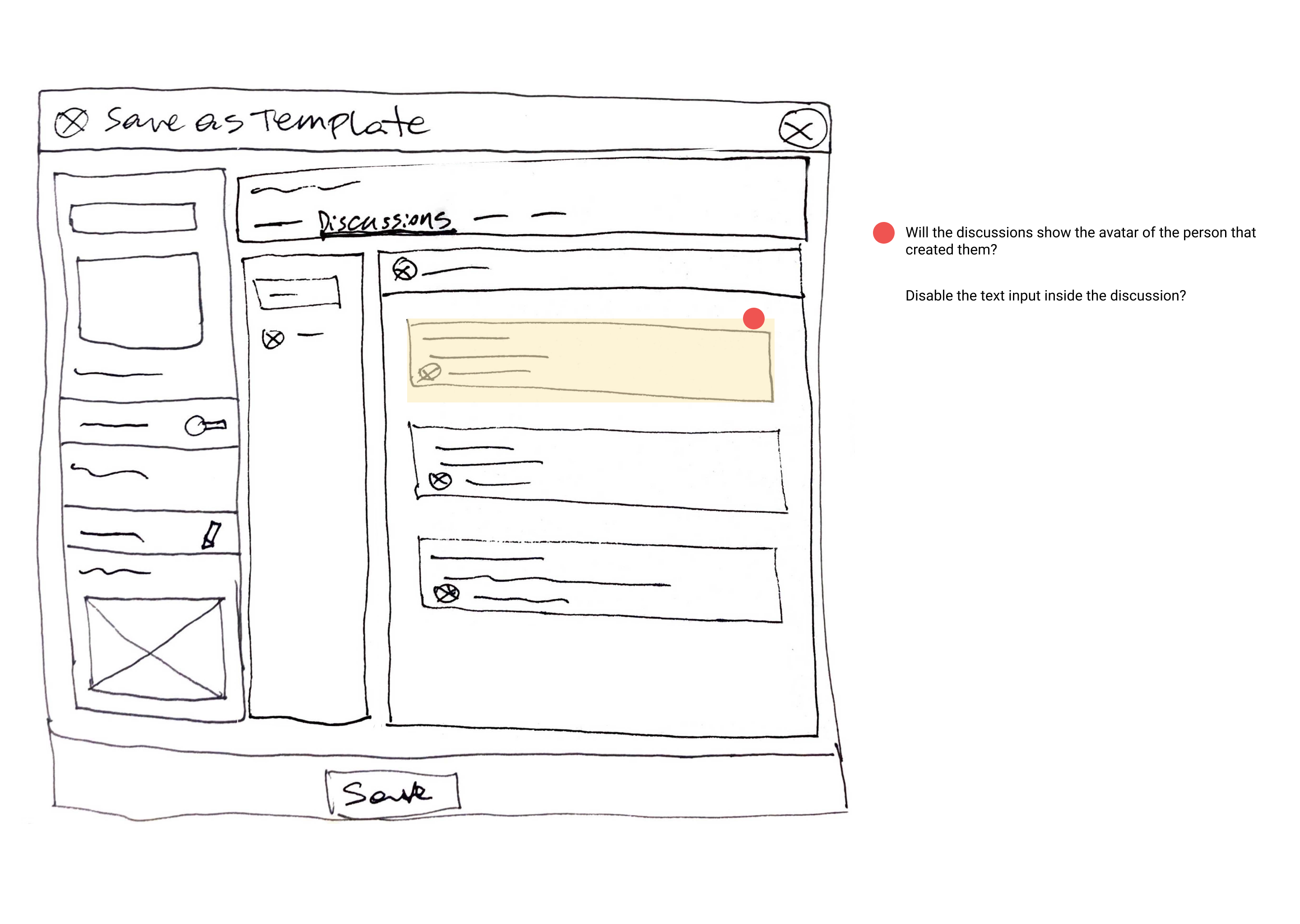
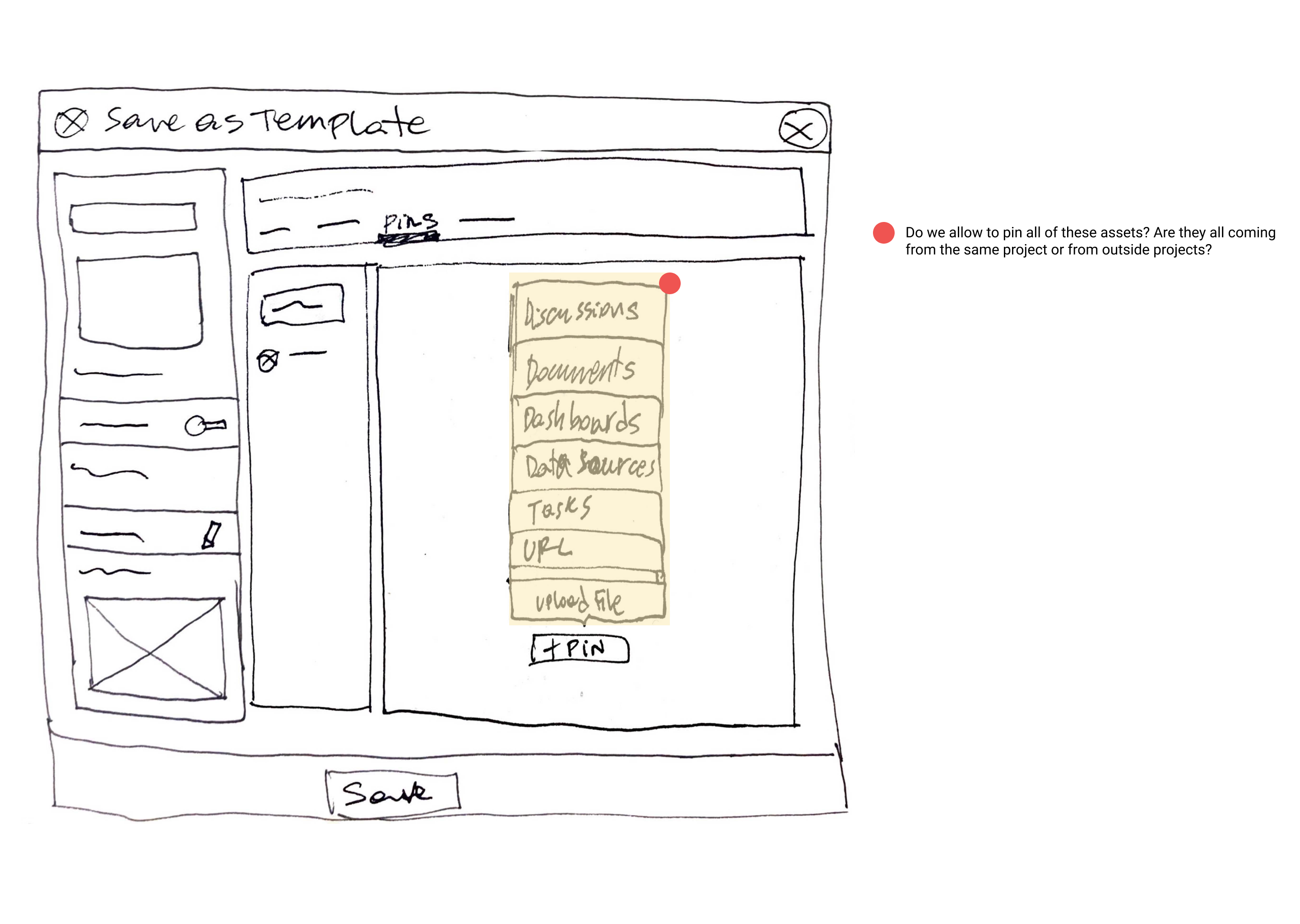
To address this, we introduced Custom Templates, allowing users to save existing projects and workspaces as reusable templates. Teams could capture their proven workflows and reuse them across future initiatives, creating consistency while reducing setup time.
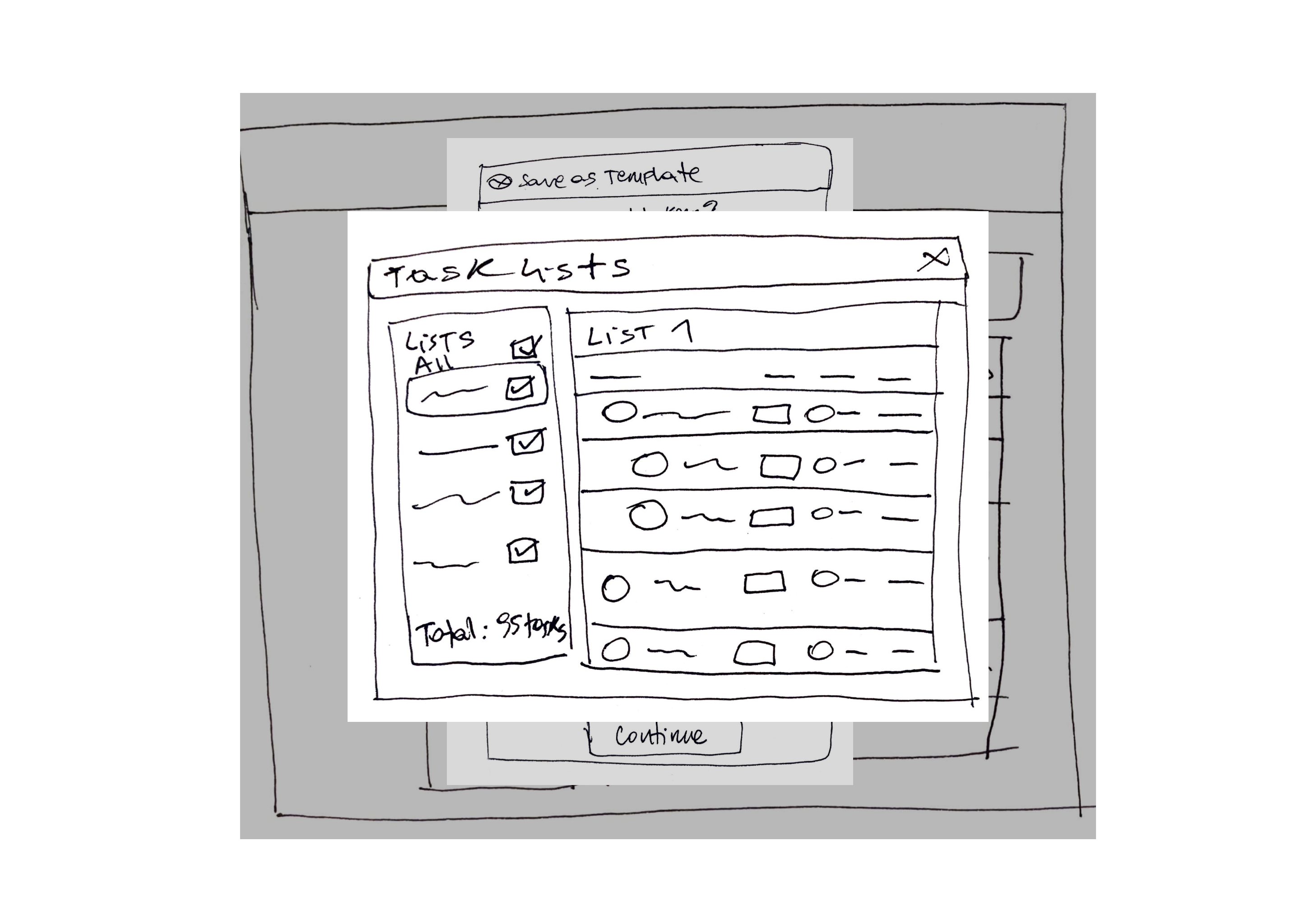
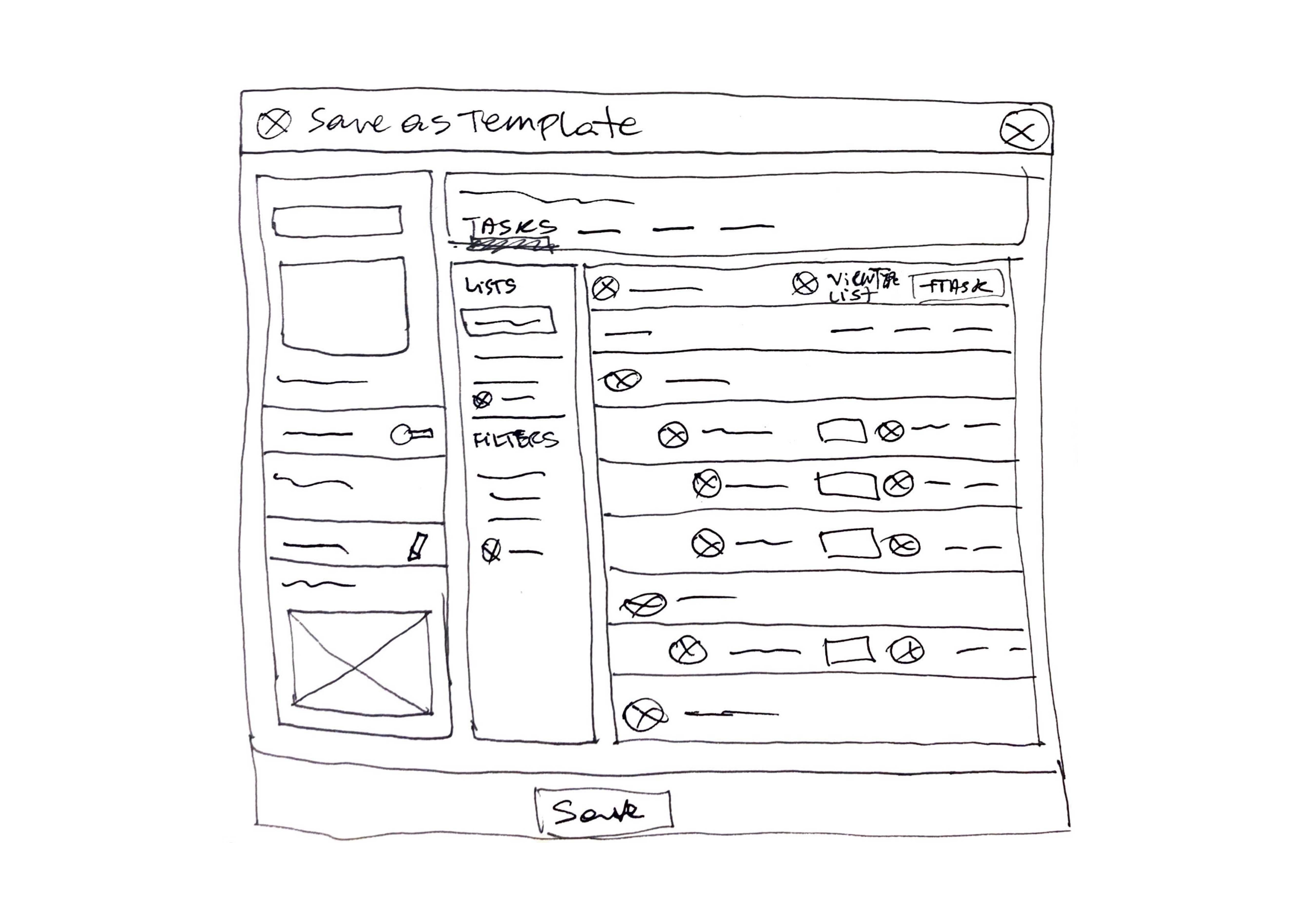
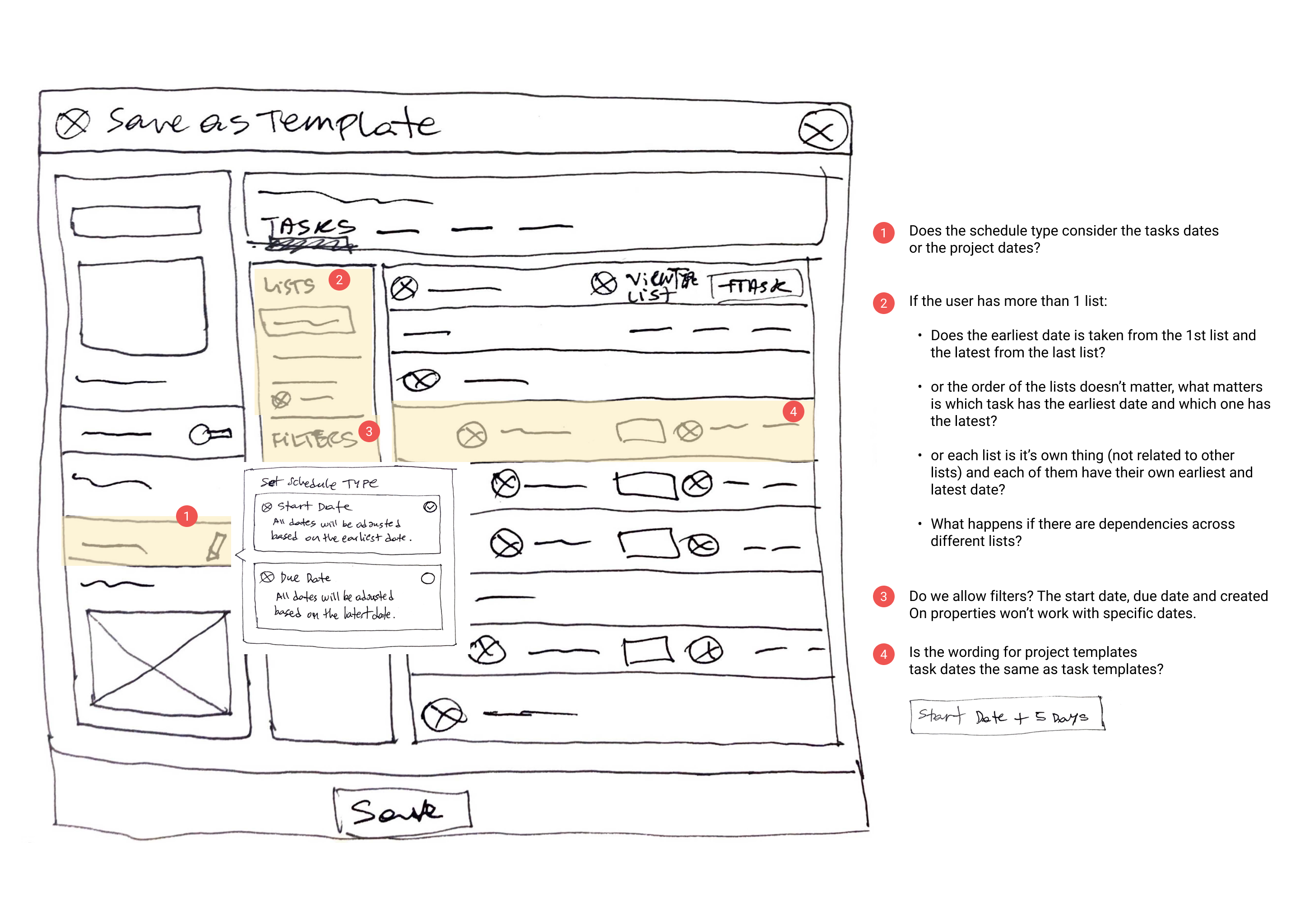
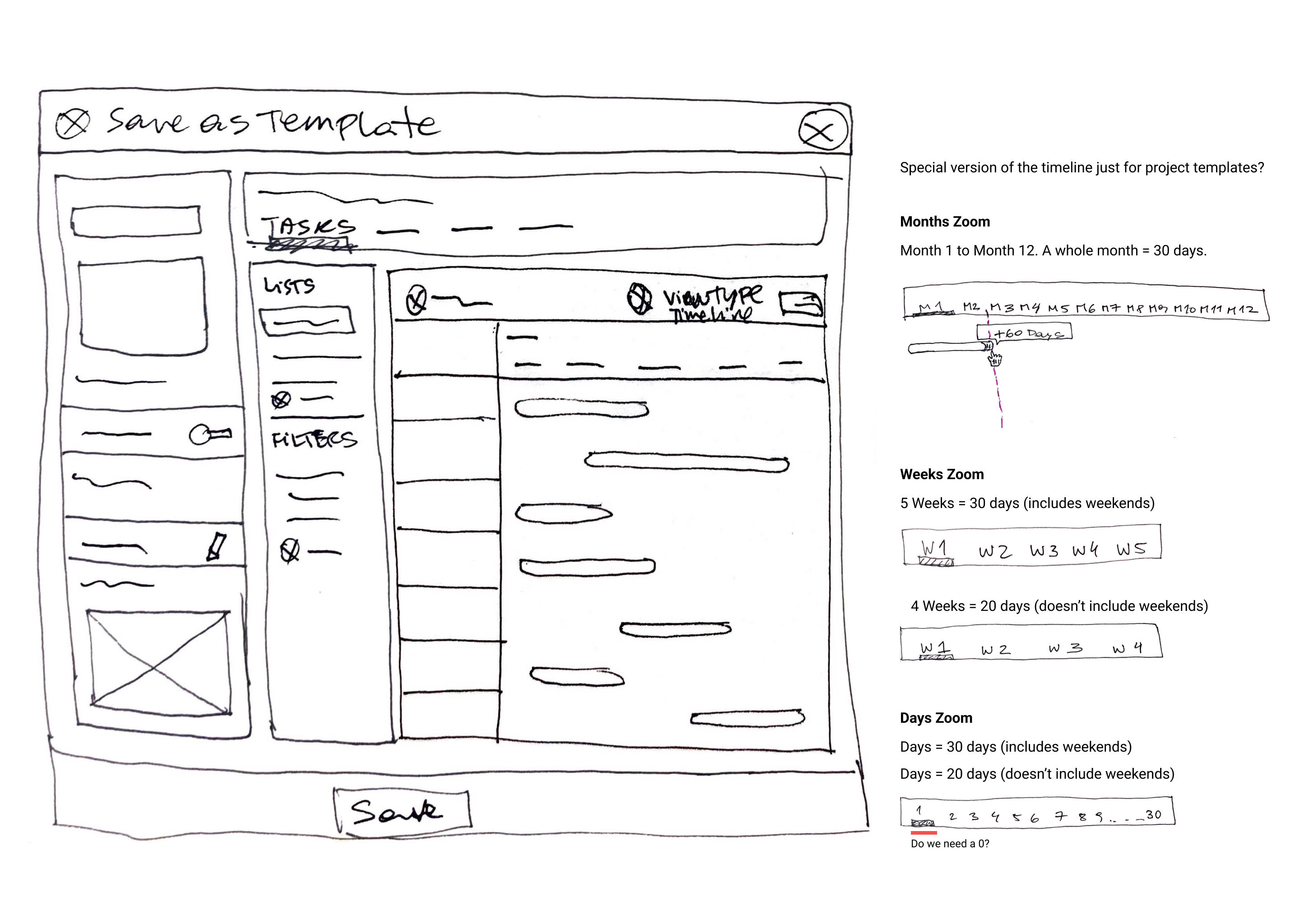
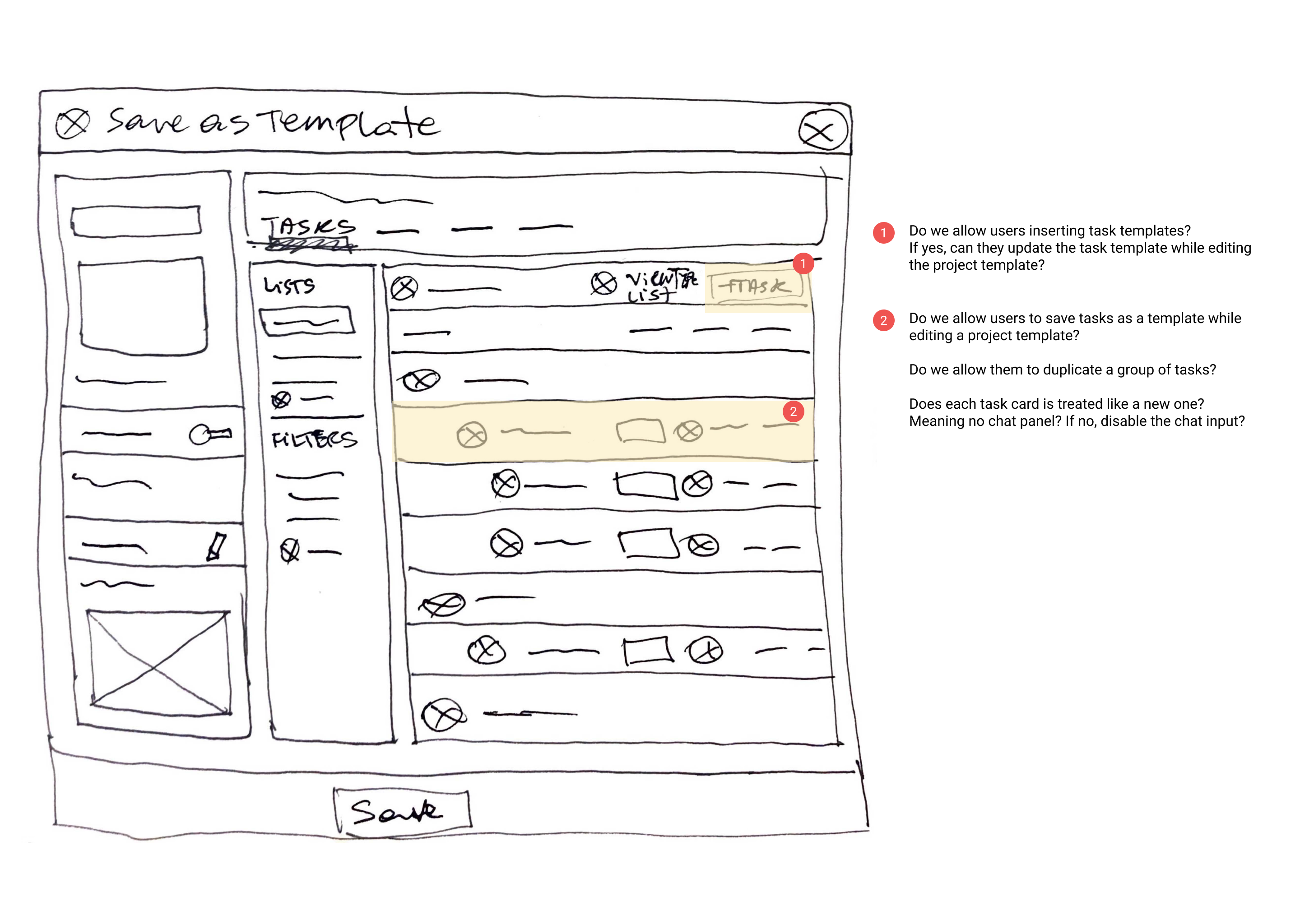
When creating a custom template, users could choose which elements to carry over, such as task assignments, statuses, priorities, dependencies, and scheduling information. For templates containing dates, the system automatically preserved the relationship between tasks, enabling users to generate a new project timeline by selecting a start date.
Sketches
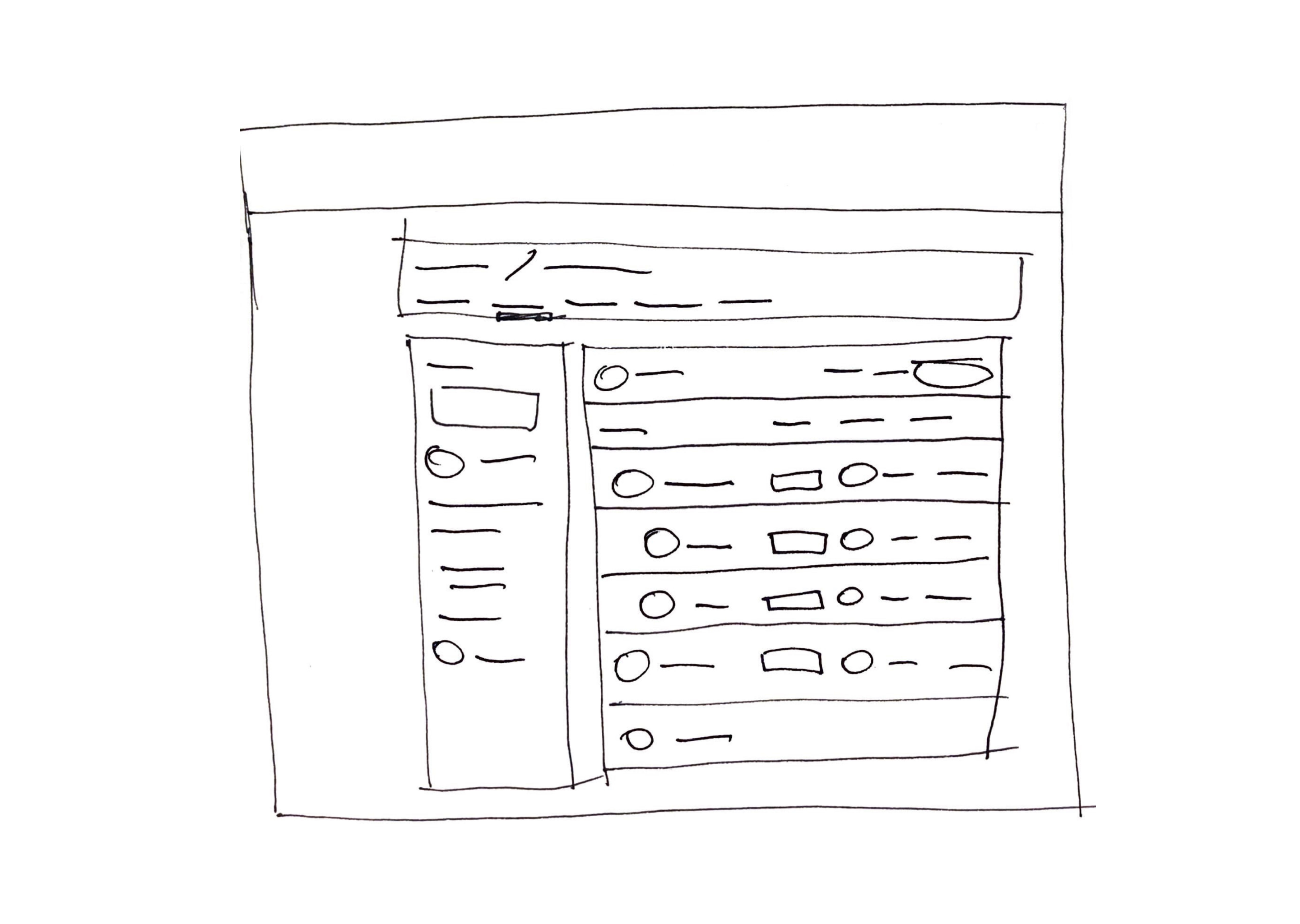
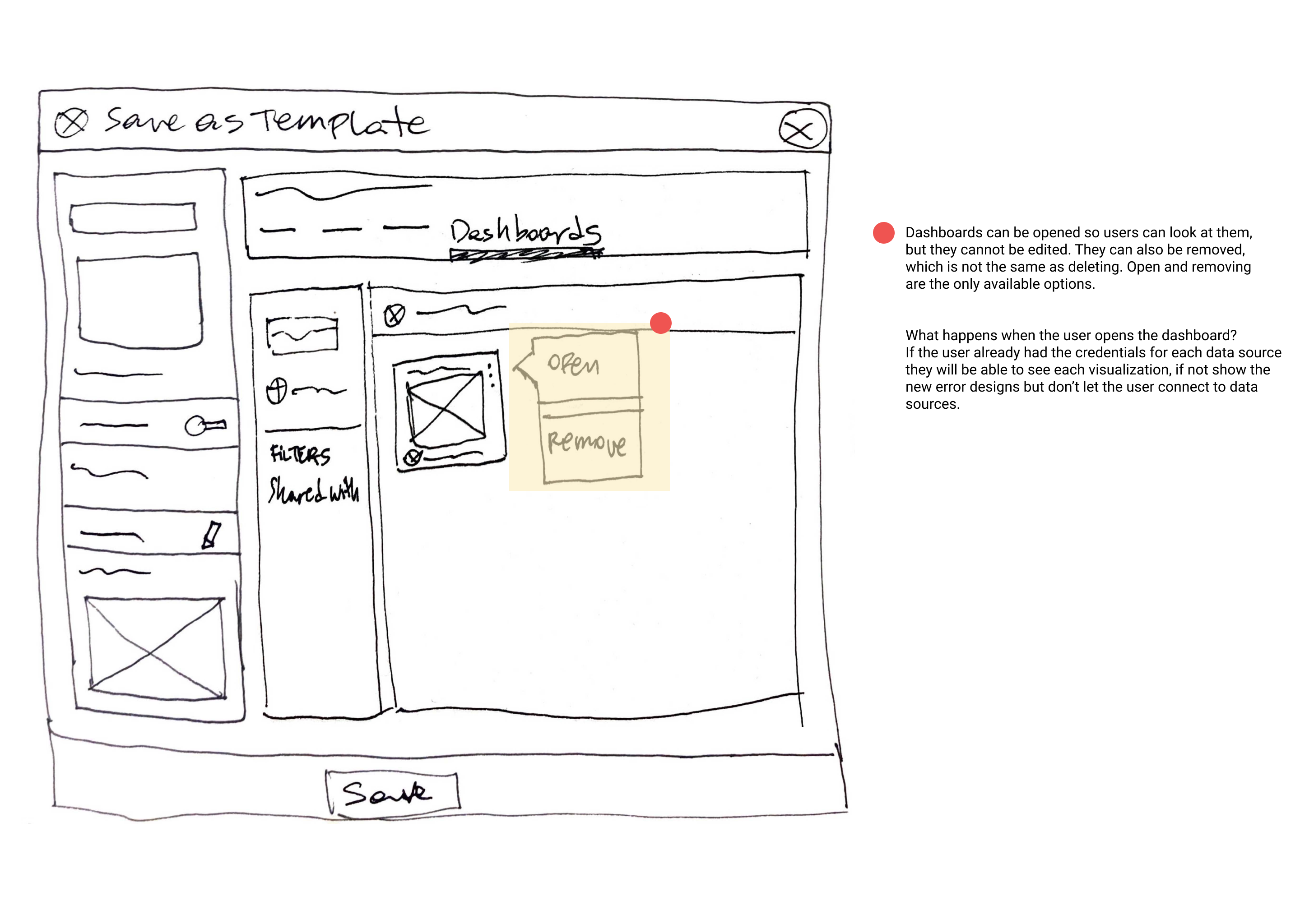
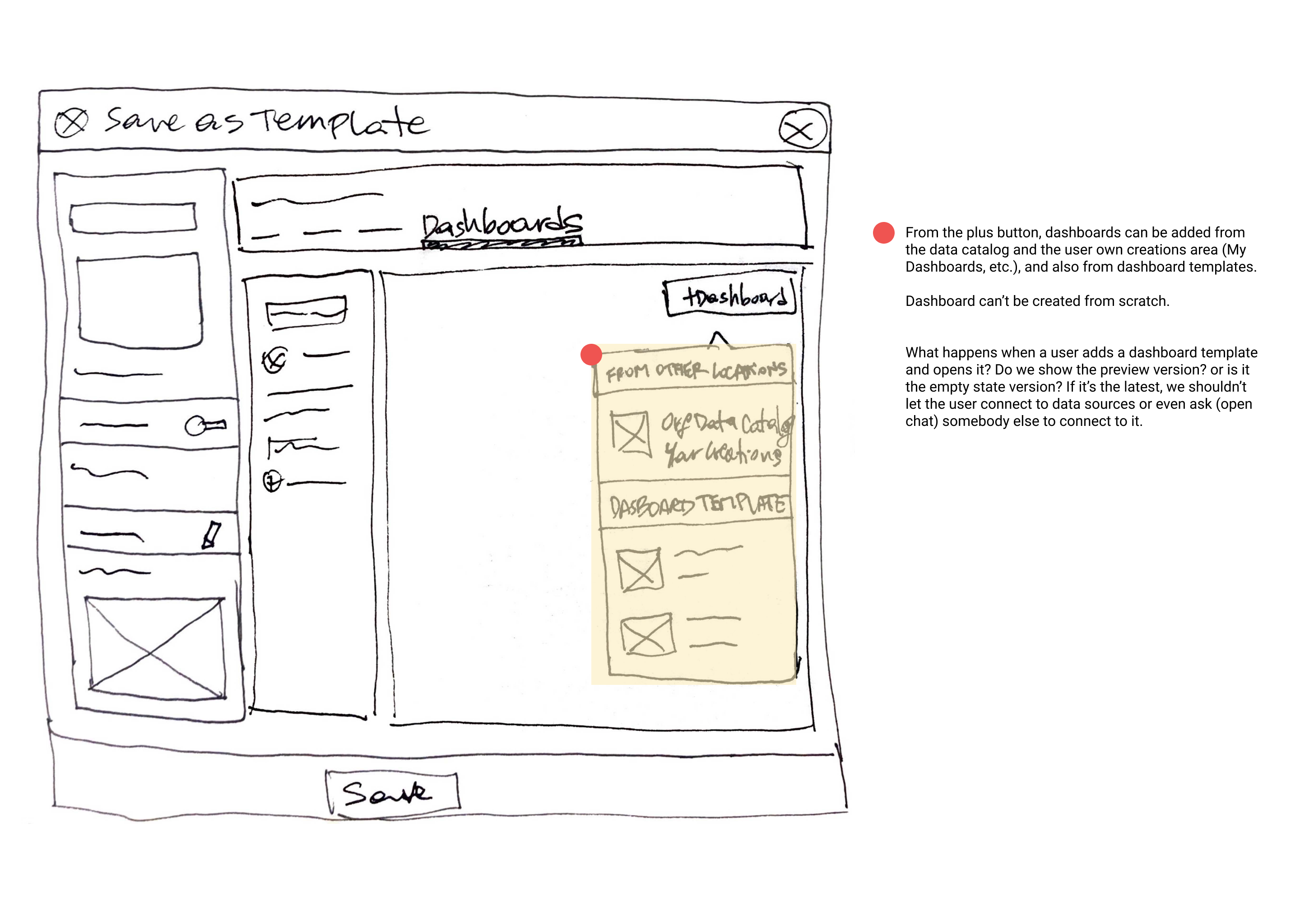
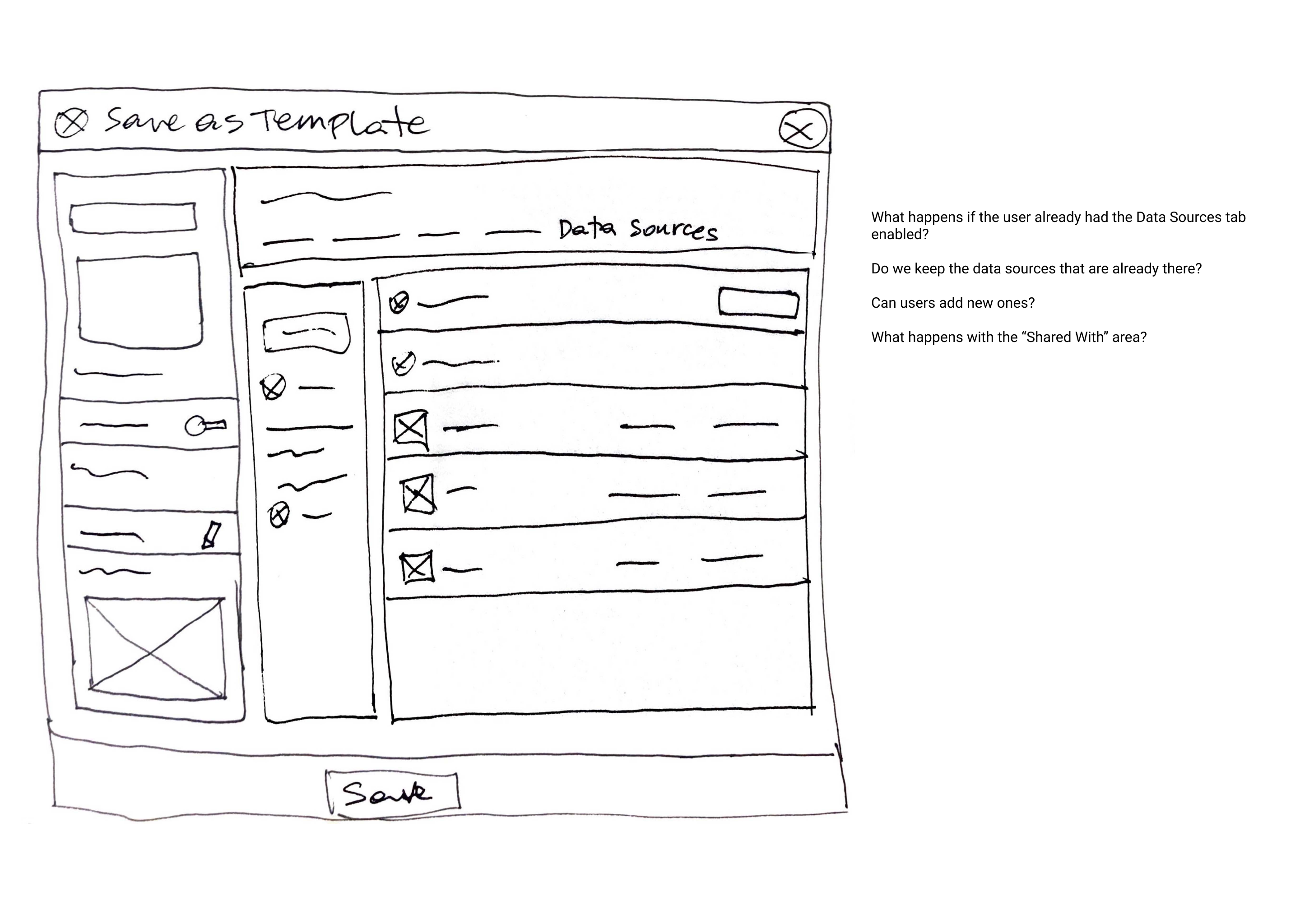
Wireframes
Final flow for custom templates
Paywall animation done by me
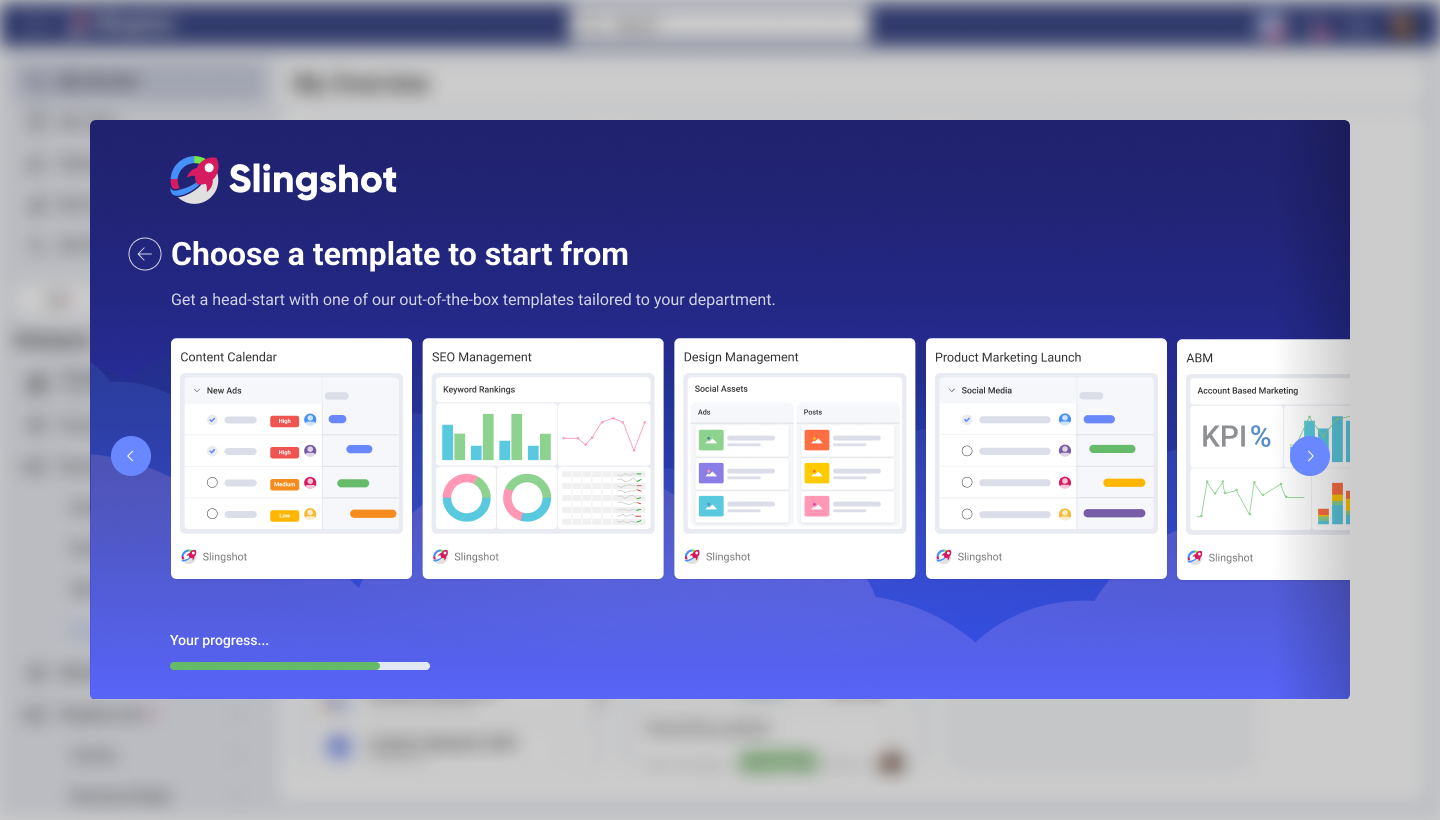
Version 3 - Adding template selection to the onboarding experience
Updated part of the onboarding to display template options relevant to users industry and department.
Outcome
Following the launch of onboarding templates:
+15 %
in completion rates
-16 %
in abandonment
-40 %
time completing onboarding